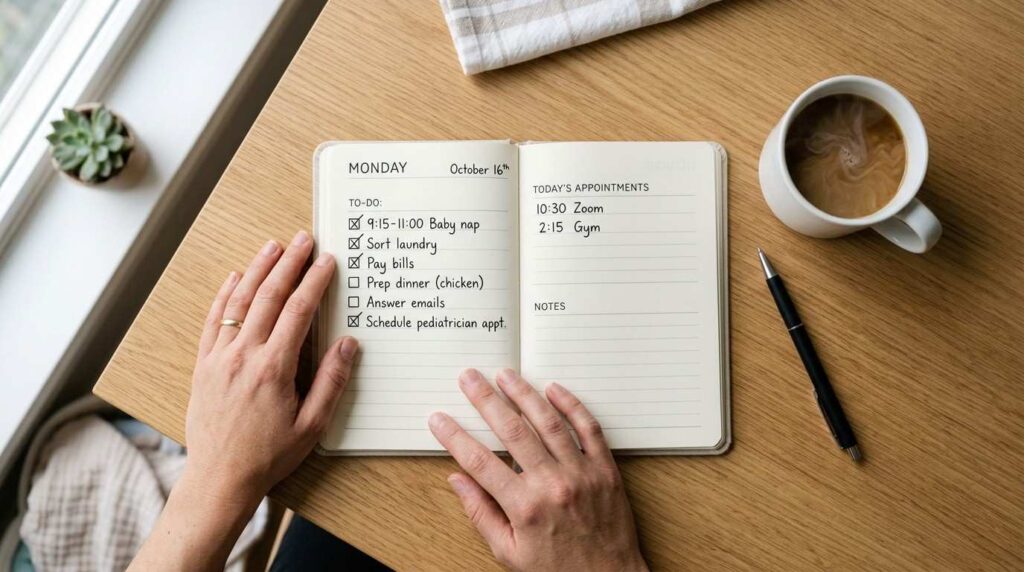
You’ve got 30 minutes while the kids nap. You want to make something you can sell. But every Canva tutorial you find assumes you have a design degree and a free afternoon.
Sound familiar?
This guide is different. It’s built for the parent with zero design experience, zero extra time, and zero desire to show their face online — who still wants to create digital products that actually sell.
What’s Inside This Guide:
- The one Canva skill that sells (it’s not design — it’s psychology)
- Why free templates beat custom designs for your first 10 products The 5-minute setup that saves you hours of fiddling later
- How to turn Canva into a silent sales funnel without ever showing your face
- The myth that stops most parents cold — and why it’s completely backwards
- One framework for choosing which product to design first
- Where to sell your Canva creations faster than you think
The Truth About Canva (And Why Most Beginners Get It Wrong)
What if I told you Canva isn’t really a design tool?
It’s a conversion tool. The goal isn’t to make something beautiful. The goal is to make something that sells.
The truth is, most beginners spend days tweaking fonts when they should be uploading products. Pretty doesn’t pay. Clarity pays.
Here’s the thing: in your first month, a clean, readable template will outsell a custom “artistic” design every single time. Customers aren’t buying aesthetics. They’re buying solutions.
And the biggest myth? That you need to be creative to use Canva.
You don’t. You need to be clear. You need to understand what your buyer is stressed about, and hand them a solution they can use immediately. That’s it.
Instead, focus on three things: clarity, psychology, and speed. When those three line up, even a simple one-page checklist becomes a product people will pay for.
The parent who ships an imperfect product in 30 minutes will always outlearn the one still perfecting a design in week three.
Your 5-Minute Canva Setup (So You Can Start Selling in 30 Minutes)
Ready? Let’s get you set up before the next nap ends.
First — create your free Canva account at canva.com. It takes about three minutes. No credit card. No commitment.
Here’s the thing most tutorials skip: the free account is enough to start. Canva’s free tier gives you access to 250,000+ free templates, 100+ design types, and over 1 million free photos and graphics. That’s more than you’ll need for your first ten products.
For example, if you’re creating a PDF workbook, a checklist bundle, or a social media template pack — all of that is 100% doable on the free plan.
Once you’re in, the Getting Started process is simple. The Canva interface opens with what’s called the Project Workspace. This is your home base. Every product you build lives here.
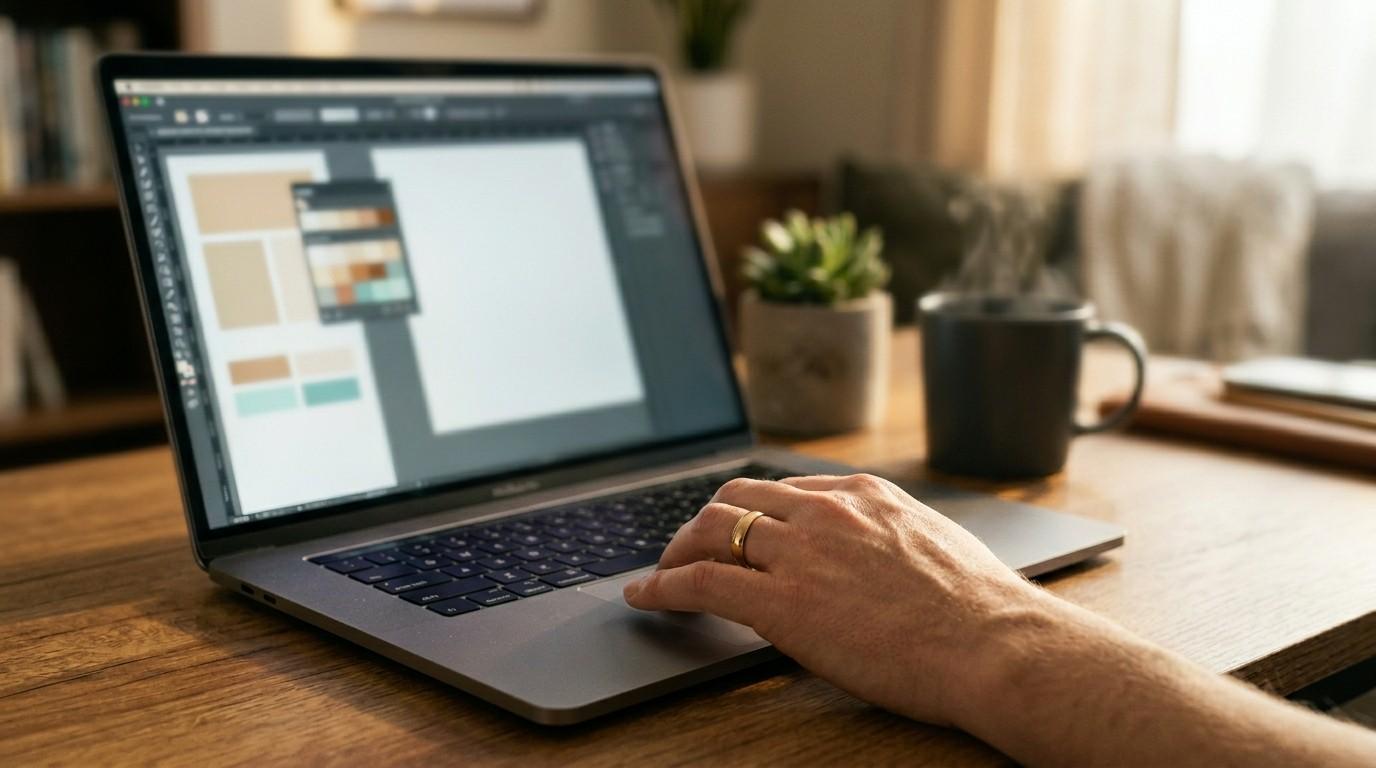
One underrated move? When you load a purchased template, follow the five-step process inside the workspace exactly — it prevents the #1 beginner mistake of editing the wrong file and losing your work.
Your setup isn’t a barrier. It’s a five-minute gateway to your first sellable product.
From Blank Page to Sellable Product — The Framework
You don’t need to be inspired. You need a decision framework.
Before you open a single template, answer these six questions:
- Who is this product for? (Be specific. "Busy moms" is too broad. "Moms tracking toddler sleep schedules" is a product.)
- What problem does it solve in under 30 seconds?
- What format makes the most sense? (PDF? Template? Workbook?)
- What's the one thing they'll do differently after using this?
- What price feels like a no-brainer for your buyer?
- Where will you sell it first?
Once those are answered, picking a template takes under 60 seconds. Search one keyword in Canva’s template library. Pick the cleanest layout. Don’t overthink it.
The psychology hack that makes your product stand out? White space. Buyers trust clean design. Cluttered equals confusing. Confusing equals no sale.
One design rule that applies to every product type: one font pairing, three colors, max. Use Canva’s Brand Kit feature to lock these in so every product feels consistent.
Therefore, your goal for this session isn’t perfection. It’s completion. A finished product at 80% is infinitely more valuable than a perfect product that never ships.
Done beats perfect. Every single time.
The Biggest Objection: "I'm Not a Designer — Will People Even Buy This?"
Let me be real with you. This question almost stopped me too.
But here’s what the data shows: buyers in the digital product market aren’t looking for Dribbble-level design. They’re looking for instant utility. According to Etsy’s Seller Handbook, top-selling digital downloads succeed because of clear value — not visual complexity.
“Amateur” actually beats “polished” in your first month. Why? Because polished products take longer to create, which means fewer products listed, which means less visibility, which means fewer sales.
Real numbers: speed + templates = more products = more chances to sell. That’s the math.
What do actual customers look for in 2026? Readability. Usability. Does this save me time? If the answer is yes, they’ll buy it — even if your font isn’t custom and your colors came from a free palette.
The one design element that signals professional in 2026? Consistent branding. Same color scheme. Same fonts. Same feel across every product. Canva’s Brand Kit makes this automatic.
However, consistency isn’t just visual — it’s about showing up the same way every time so buyers start to recognize your style. That recognition becomes trust. And trust becomes repeat sales.
You don’t need to be a designer. You need to be consistent.
Digital Products You Can Design in 30 Minutes or Less
This is where it gets exciting.
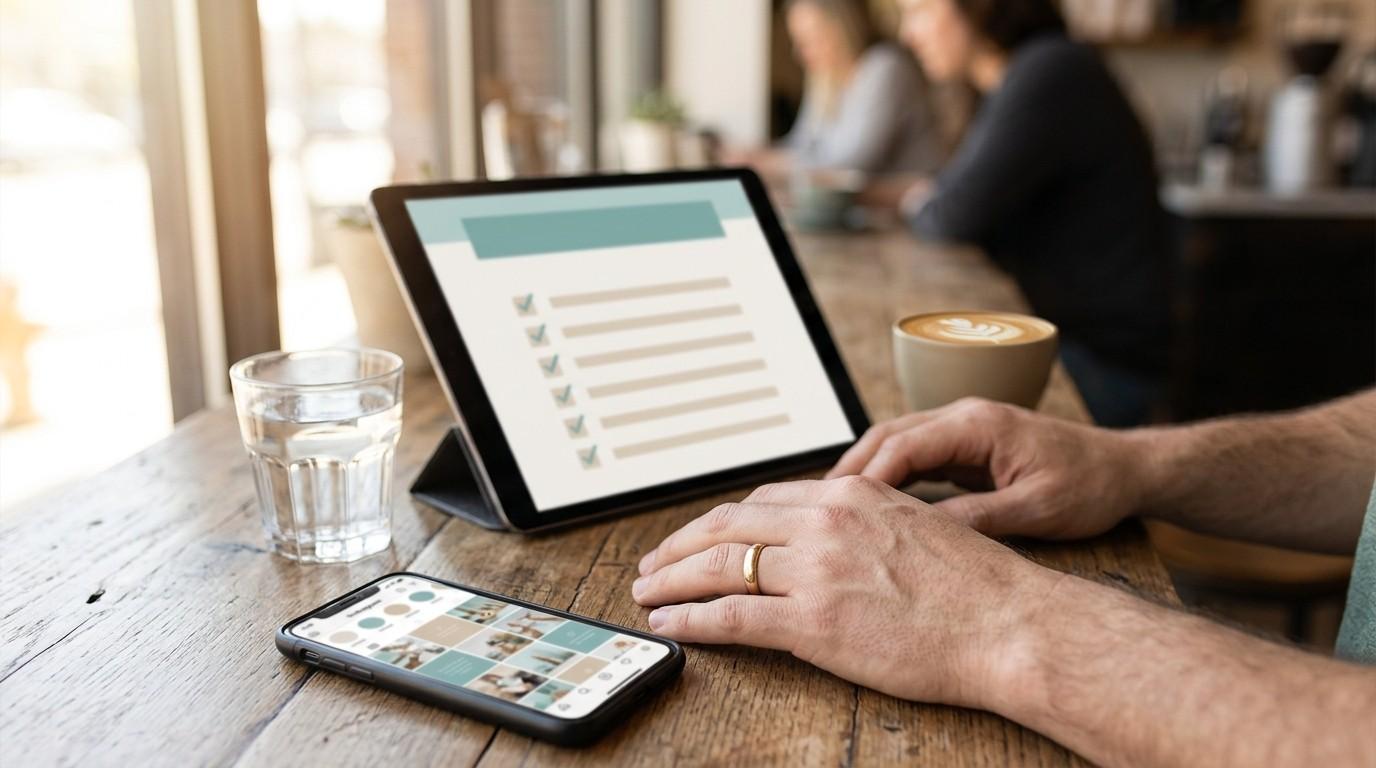
These are the four product types that take under 30 minutes to create — and sell faster than almost anything else in the digital product market:
Notion Templates
— Easiest first win. Simple layouts, huge perceived value, buyers love them.
Canva-to-PDF Workbooks
— Perfect for coaches and accountability sellers. A 5-10 page workbook with prompts and space to write? Under 20 minutes in Canva.
Social Media Templates
— Fastest to resell. Create a pack of 10 matching Instagram post templates. Buyers see the whole pack and feel like they’re getting a deal.
Checklist Bundles
— Under 10 minutes per product. Seriously. A well-designed one-page checklist with a clear title and clean layout is a legitimate product people pay for.
Why do these categories sell faster? Because the buyer can see the value instantly. There’s no imagination required. They know exactly what they’re getting and exactly how they’ll use it.
Similarly, these products are evergreen. A sleep checklist for parents or a weekly meal planning template doesn’t go out of style. You create it once and it sells for months.
If you want to go deeper on exactly how to design each of these product types, step-by-step — including how to work with text, photos, frames, and Canva’s built-in tools — The Canva Playbook walks you through all of it in plain language, no design background required.
Your first product doesn’t have to be your best. It just has to exist.
How to Go From Designing to Selling Without a Website
Here’s the part nobody talks about in Canva tutorials.
You don’t need a website. Not yet.
You can list your first product the same day you create it — in about five minutes — on Etsy or through Beacons.ai. Both platforms handle the delivery for you automatically. You upload the file, set your price, and done.
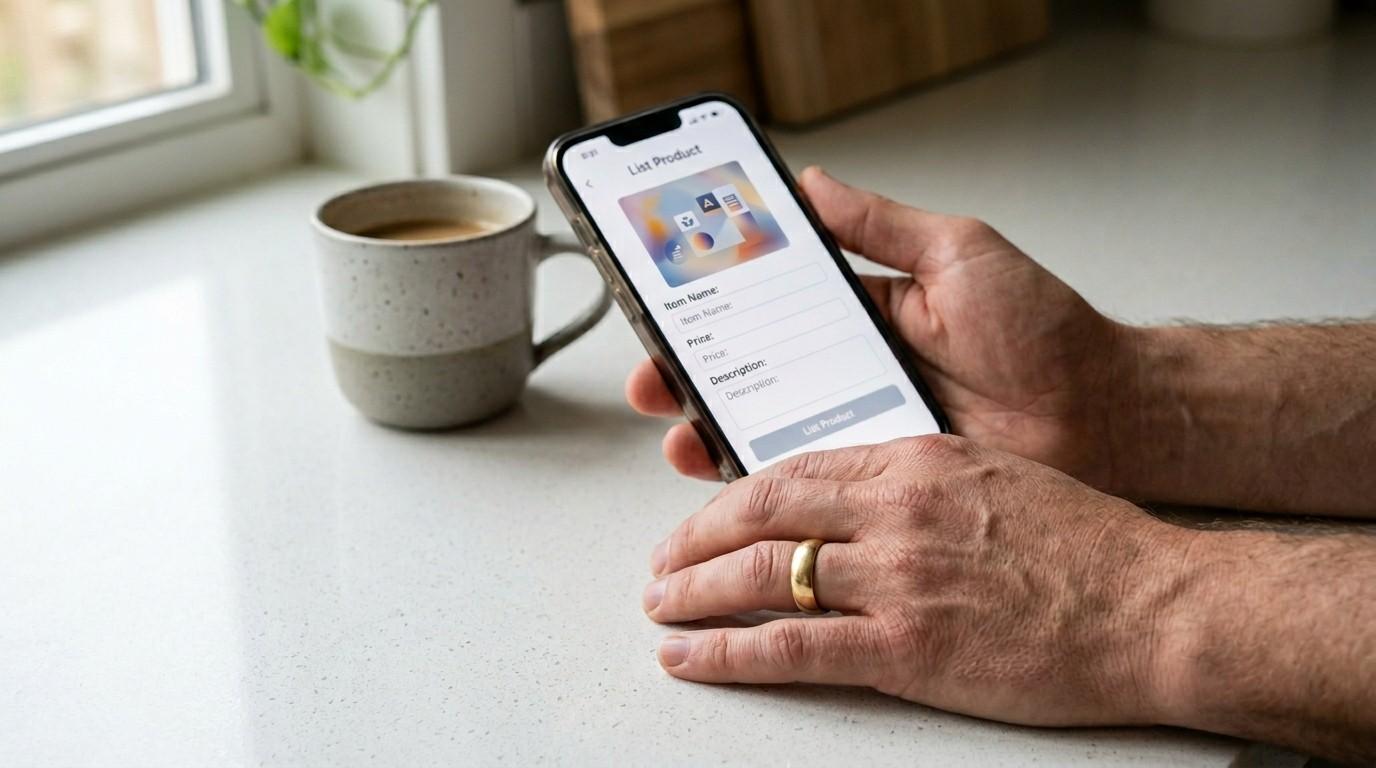
Why Etsy + Beacons.ai beats building a website first? Because you’re not ready to drive traffic yet. You’re in learning mode. These platforms bring built-in audiences to you.
One Beacons.ai link can act as your entire storefront — products, bio, links, everything. It’s the traffic hack most beginners completely miss. If you’ve already looked at how to sell MRR products on Beacons.ai, you know how powerful one link can be.
In other words, your job right now is to create the product and list it. The platform does the rest. You don’t need to build an empire today. You need to make one sale.
The fastest path to your first $10 online is a simple product on a simple platform — not a six-page website.
The Passive Bridge — Scaling Your Canva Products Into Recurring Income
Here’s where it gets really good.
One product doesn’t stay one product. It becomes a library.
Once you’ve created your first checklist, it becomes the template for your second. Your third. Your tenth. You’re not starting from zero each time — you’re iterating on something that already works.
The system is simple: create one product, learn what buyers respond to, tweak the next one, repeat. Before long, you have a shop with 15-20 products all working while you’re doing school pickup.
Why is your first product your best business education? Because it teaches you what sells. Not what you think will sell. What actually moves. That information is worth more than any course.
And the milestone — the moment to consider leveling up from free templates to investing in your design skills — is when you’ve made your first few sales and you know your niche. Not before.
Furthermore, if you’re already exploring income systems like MRR or building a faceless brand, Canva becomes the production engine behind everything. Every product, every freebie, every lead magnet starts here.
The best part? You started with 30 minutes and a free account. The income potential from there is real — but it starts with that first product.
Ready to build the full foundation? The Canva Playbook gives you the complete step-by-step walkthrough — from setting up your account to designing multiple product types to using Canva’s tools like a pro. It’s written in plain language, built for beginners, and designed to be actionable in 30-minute sessions.
The parent who builds a system always wins over the one who waits to feel ready.
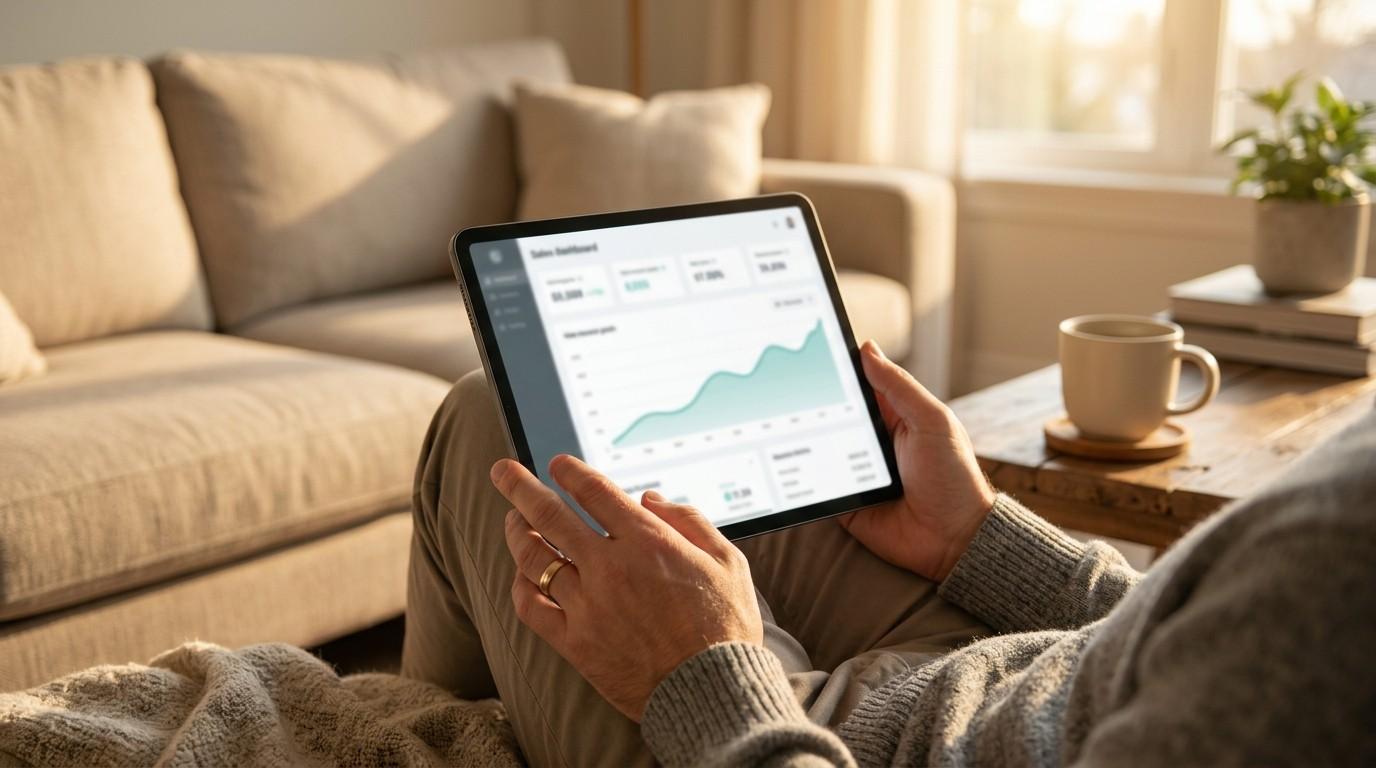
Ready to Create Your First Canva Product Today?
You now know what it takes.
You know the setup. You know the framework. You know which products to start with. And you know that “not being a designer” was never the real barrier.
The truth is — the only thing standing between you and your first digital product sale is the decision to open Canva and start.
Two ways to take the next step:
Start free — Use everything in this guide and open a free Canva account today. Apply the 6-question framework, pick one of the four product types, and give yourself 30 minutes.
Go deeper — The Canva Playbook is the complete beginner guide to mastering Canva — step-by-step instructions for every feature, design tricks that make your products look professional, and a full breakdown of Free vs Pro so you never spend money you don’t need to. Everything you need to go from blank page to sellable product, without guesswork.
Everything you want exists on the other side of fear.
Open Canva. Make the thing. Ship it.