
Want to build a real digital product business but keep telling yourself you’re “not a designer”?
Here’s the thing. You don’t need to be. You just need the right tool — and 30 minutes a day.
What’s Inside This Guide:
- Why Canva is the Creative Equalizer — and why it’s leveling the playing field for non-designers everywhere
- Your 30-Minute Canva Setup: how to build a Brand Kit that does the heavy lifting for you
- The 3-Product Framework: what busy parents should design (and sell) first
- The myth about “everyone uses Canva” — and why that’s actually your superpower
- A real 30-minute daily workflow that takes you from blank screen to listed product
- The Bridge Strategy: how to go from your first sale to products that sell while you sleep
- Where to start today — free resources and the full playbook
Why Canva Replaced a $5K/Month Creative Team (For Most Solopreneurs)
The truth is, Canva didn’t just make design easier.
It removed the wall between “I have an idea” and “I have a finished product.”
No Adobe subscription. No design degree. No hiring a freelancer at $75 an hour.
You open a template. You swap the words. You change the colors. You export. Done.
That’s it.
And here’s what most Canva posts won’t tell you: the real value isn’t making pretty graphics. It’s creating done-for-you products that customers will actually pay for — planners, templates, workbooks, brand kits — all built inside one free tool.
Every successful digital product seller you follow uses Canva. They just don’t talk about it.
If you’re still on the fence about whether digital products are worth pursuing, our post on passive income ideas for busy parents breaks down exactly why this model works for real families — not just influencers.
The tool isn’t the secret. The system is. And Canva is your system.
Canva Business Templates: Set It Up Once, Reuse It 100 Times
The best part?
You only have to set your brand up once.
Here’s what that looks like in your first 10 minutes inside Canva:
Open the Brand Kit section. Add your fonts, your colors, your logo. That’s it.
Now every single template you touch — every product you create — will automatically sync to your look. Not a generic template look. Your brand.
After that, pick one product category. Planners. Templates. Workbooks. Just one.
Grab 3–5 pre-made templates that fit that niche. Then spend 30 minutes fully customizing one as your hero product. Get it launch-ready. Price it. List it.
Then organize your folders by product type so you’re not digging through chaos when a customer places an order at 11pm.
Sound like a lot? It’s not. Most parents finish this entire setup during a single naptime.
One focused hour of setup saves you hours every single week.
The Beginner's Canva Product Roadmap: Templates, Planners, and Done-for-You Bundles
Therefore, let’s talk about what you’re actually going to build.
There are three product types that work best for beginners — and they stack on top of each other.
1. Editable Templates (Start Here)
These are Canva designs your customers can open and customize themselves. Lowest friction. Highest volume. You can build and list one in 20–30 minutes.
Think: Instagram post templates, weekly planner pages, resume layouts, social media kits.
2. Printable PDFs and Planners (Next Level)
These are polished, finished files your customer downloads and uses. Combine 5–10 designs into one bundle and price it at $17–$27. Canva makes them look premium without you touching InDesign.
Think: habit trackers, budget planners, kids’ activity sheets
3. Done-for-You Bundles (The Real Money)
Pre-designed systems you put together once and sell repeatedly. Etsy shop starter kits. Course workbooks. Brand launch bundles. Price these at $37–$97.
Each of these product types takes between 20 and 45 minutes to create and upload to platforms like Etsy or Beacons.ai.
The framework is simple: start with templates, test what sells, then layer in bundles.
Your first product teaches you everything. Your fifth product launches with momentum.
Does Canva Make Your Work Look "Basic"? Here's Why That's Wrong.
However, let’s kill this objection right now.
“If everyone uses Canva, my designs won’t stand out.”
Let me be real with you. That fear makes sense. But it’s wrong.
Here’s why: 95% of people who open Canva never finish a single product. They browse templates. They drag a few things around. They close the tab.
Your edge isn’t the tool. Your edge is completion.
And when you add your Brand Kit — your custom fonts, your color palette, your logo — your designs stop looking like “a Canva template” and start looking like your brand.
Customers don’t care what software you used. They care whether your product solves their problem and looks professional. Canva delivers both.
The real differentiator is your niche focus and what you create — not how you create it.
According to Canva’s own platform data, there are over 250,000 free templates available — but the ones that sell are the ones created with a specific customer in mind.
Your competition isn’t other Canva users. It’s your own hesitation.
The Canva-to-Sales Pipeline: Your Step-by-Step Business Day (30 Minutes)
In other words, let’s make this real.
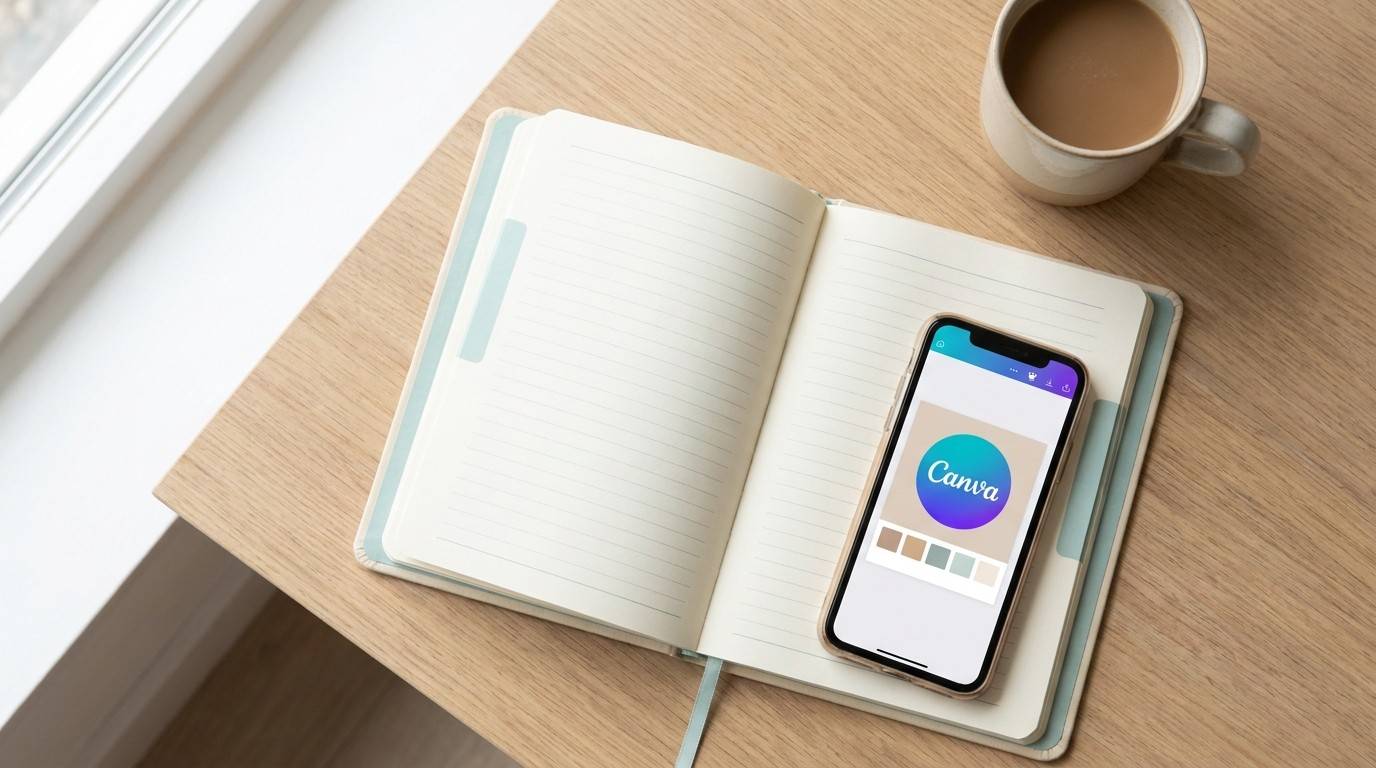
Here is exactly what a 30-minute business day looks like when you’re using Canva as your creative engine:
Minutes 1–5:
Open Canva. Grab a template that fits your niche. Apply your Brand Kit — fonts and colors auto-update
Minutes 6–15:
Make 1–2 unique design tweaks. Swap an icon. Adjust the layout. Add copy that speaks to your specific customer. Make it feel like yours.
Minutes 16–25:
Export as a PDF or PNG. Upload to Etsy or Beacons.ai. Write a short, clear product description. Set your price.
Minutes 26–30:
Write one sentence teasing the new product. Schedule it to post tomorrow.
That’s a product launched in 30 minutes.
And once you’ve done it once, you batch it. Three to five designs in 90 minutes. Then you spend the rest of the week selling them — not creating.
Want the full workflow laid out with every step mapped from design to delivery? The Canva Playbook walks you through the exact process for setting up Canva from scratch, customizing purchased templates, and building a product creation system that fits into your schedule — not the other way around. Grab it here → The Canva Playbook
The goal isn’t to work more. It’s to build a machine that works for you.
Canva for Digital Products and Passive Income: The Bridge Strategy
Similarly, the parents who are winning with Canva didn’t stumble into it.
They followed a bridge.
Active income (Days 1–90): You’re selling custom templates and polished designs. You’re learning what your audience buys. You’re making $15–$50 per product. This is fast cash — and it’s real.
Passive income (Month 4 and beyond): You take your best-performing designs and bundle them. Five to ten designs packaged at $27–$97. You list it. It sells while you’re making dinner.
Here’s what most people miss about the Canva business model: it compounds.
Your first product teaches you what sells. Your second product sells faster because you know your customer. By your fifth product, you have a track record and a small audience who trusts you.
The automation layer seals the deal. Platforms like Beacons.ai and Etsy handle payment processing and file delivery automatically. Canva’s only job is creation. The platform does the rest.
The goal? 30 minutes a day creating. 30 minutes a week on promotion. Let the products do the selling.
If you’re curious how the full product ecosystem fits together — from Etsy to your own webshop — our post on selling digital products: Etsy vs. your own website breaks down exactly which platform works best at each stage.
The bridge between “side hustle” and “income system” is built one Canva product at a time.
The Canva Playbook: Templates, Workflows, and the Full Blueprint
Ready?
Here’s where you go from reading to doing.
If you’re just getting started with Canva, everything you’ve read in this post gives you the foundation. You now know the setup, the products to build, and the 30-minute workflow to launch them.
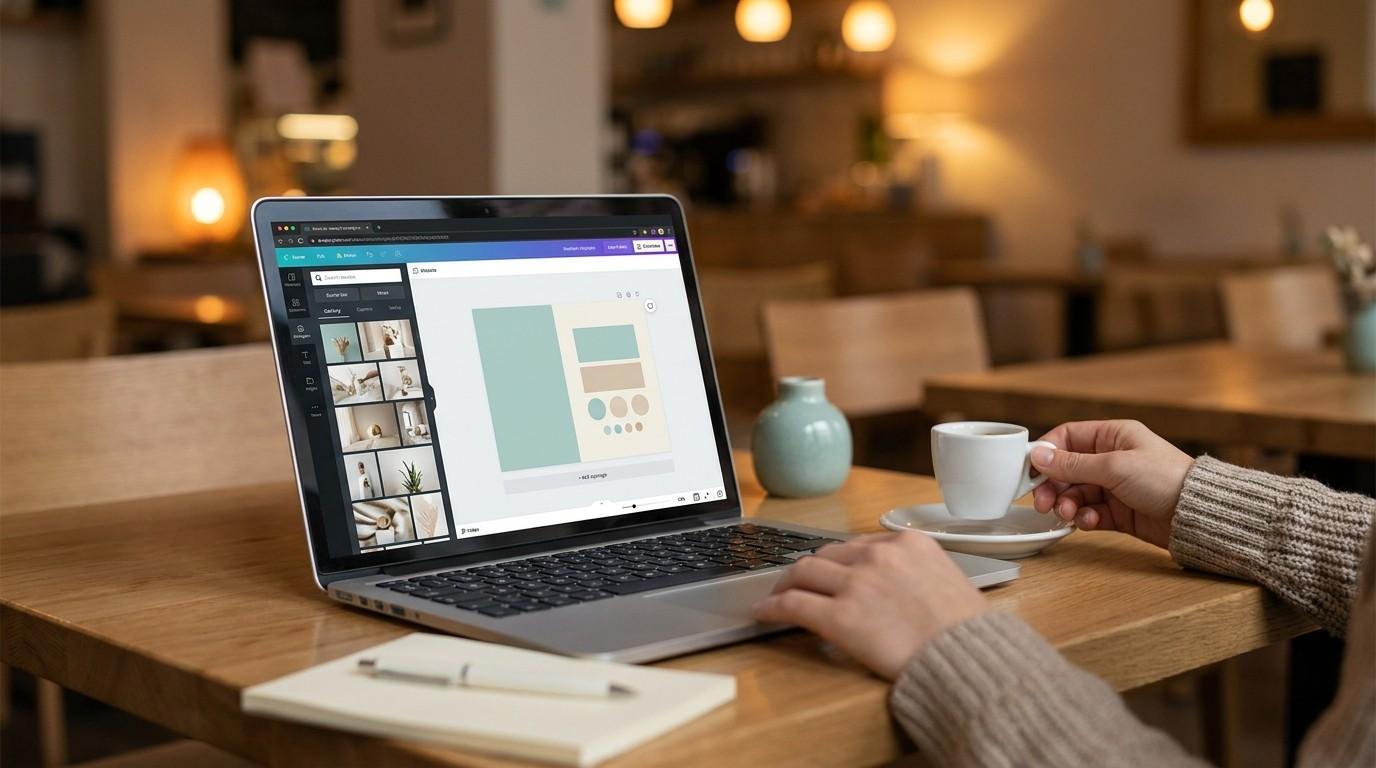
But if you want the full system — the step-by-step guide to navigating Canva’s interface, customizing templates you’ve purchased, working with text, photos, and design elements, and unlocking pro-level tricks without needing a Pro account — The Canva Playbook is your next move.
It covers everything from creating your free Canva account and loading your first template, to advanced tips like creating transparent gradient text effects, using the Tidy Up alignment feature, and knowing exactly when (and whether) upgrading to Canva Pro is worth it.
No fluff. No filler. Just the skills you need to design almost anything — social media graphics, ebooks, digital products — without ever needing design experience.
Everything you want — flexible income, no boss, your family time still intact — exists on the other side of fear.
Your first Canva template is that first step.
and build your first product today.