
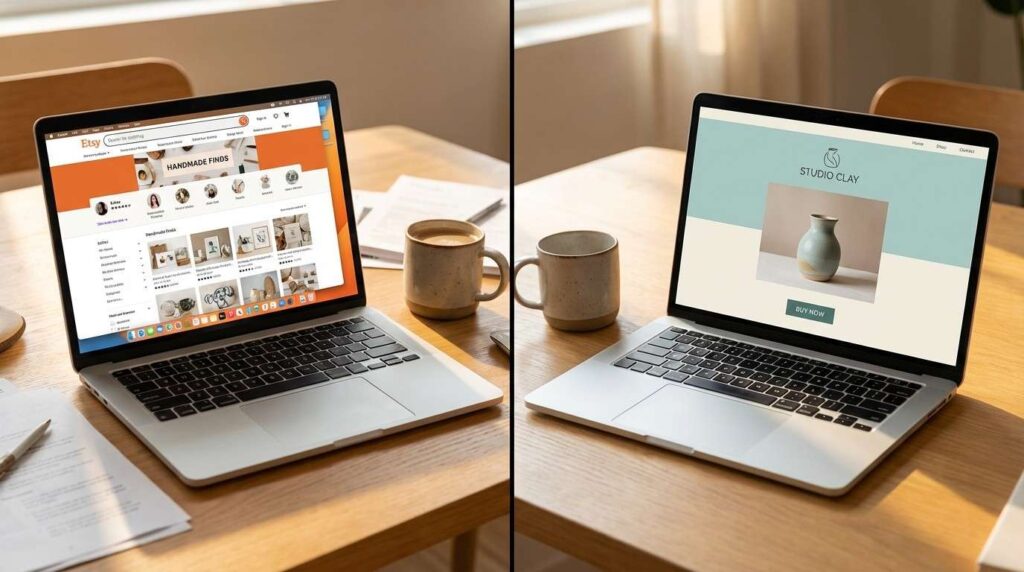
Etsy vs. Your Own Website: Where Should You Sell Digital Products?
ou’ve built your digital product. It’s designed. It’s priced. It’s ready to go. But now you’re stuck on a question that trips up every beginner — where do you actually list it?
Should you sell digital products on Etsy — where millions of buyers are already searching? Or should you build your own website and keep full control?
The truth is… this isn’t an either/or decision. But most beginners treat it like one — and that mistake costs them either traffic or profit. Sometimes both.
In fact, the smartest digital product sellers in 2026 aren’t choosing one platform. They’re using a hybrid strategy that gives them the best of both worlds.
Let me break down the honest pros, cons, and real fees for each option — so you can make this decision in 15 minutes instead of 15 days.
Table of Contents
– Why This Decision Matters More Than You Think
– Etsy — The Honest Pros and Cons
– Your Own Website — The Honest Pros and Cons
– The Real Cost Comparison (Fees Breakdown)
– The Smart Strategy: Start on Etsy, Scale on Your Site
– Which Platform Fits YOUR Life?
– Start Selling This Week
Why This Decision Matters More Than You Think

Why can’t you just pick one and figure it out later?
Because the platform you choose determines three critical things: who finds your products, how much you keep per sale, and whether you own your customer relationships.
Essentially, selling on Etsy is like renting a booth at a farmers market. The foot traffic is built in. But you pay rent, you follow their rules, and you share the space with competitors selling the exact same things.
Selling on your own website is like opening your own shop. No rent. No competitors next door. But you have to drive every single customer there yourself.
According to Bluehost’s 2026 Etsy analysis, Etsy now has over 5.4 million active sellers competing for attention. That’s a massive marketplace — but also massive competition.
Neither option is perfect. But one of them is significantly better for where you are right now.
The wrong platform doesn’t just cost you money. It costs you momentum.
Selling Digital Products on Etsy — The Honest Pros and Cons
Let’s start with Etsy, because most beginners start here. And for good reason.
The pros:
- Built-in traffic. Etsy has over 400 million monthly visitors already searching for digital downloads. You don’t need to drive traffic yourself — buyers come to you.
- Instant credibility. People trust Etsy. Similarly, a new shop on Etsy feels safer to a buyer than a brand-new website they’ve never heard of.
- Simple setup. You can have your first product listed in under 30 minutes. No coding. No web design. Just fill in the listing fields and upload your file.
- SEO built in. Etsy has its own search engine. Optimize your titles and tags, and Etsy does the work of showing your product to relevant buyers.
The cons:
- Fees add up fast. Listing fee ($0.20 per item), transaction fee (6.5%), payment processing fee (3% + $0.25), and potentially offsite ads fee (15% on sales from Etsy’s advertising). On a $10 product, you might keep only $6-7.
- You don’t own the customer. Etsy owns the email address. Etsy owns the relationship. You can’t email past buyers directly to launch your next product.
- Competitors show up on YOUR listing. Etsy displays “similar items” on your product page — literally sending your potential buyers to other shops.
- Algorithm dependency. Therefore, if Etsy changes its algorithm or fee structure tomorrow, your entire business could take a hit overnight.
If you want to see which specific products sell best on Etsy right now, our guide on 10 digital products you can make in Canva covers the most in-demand categories for beginners.
Etsy is a powerful starting point. But it’s someone else’s house — and they can change the rules whenever they want.
Selling on Your Own Website — The Honest Pros and Cons
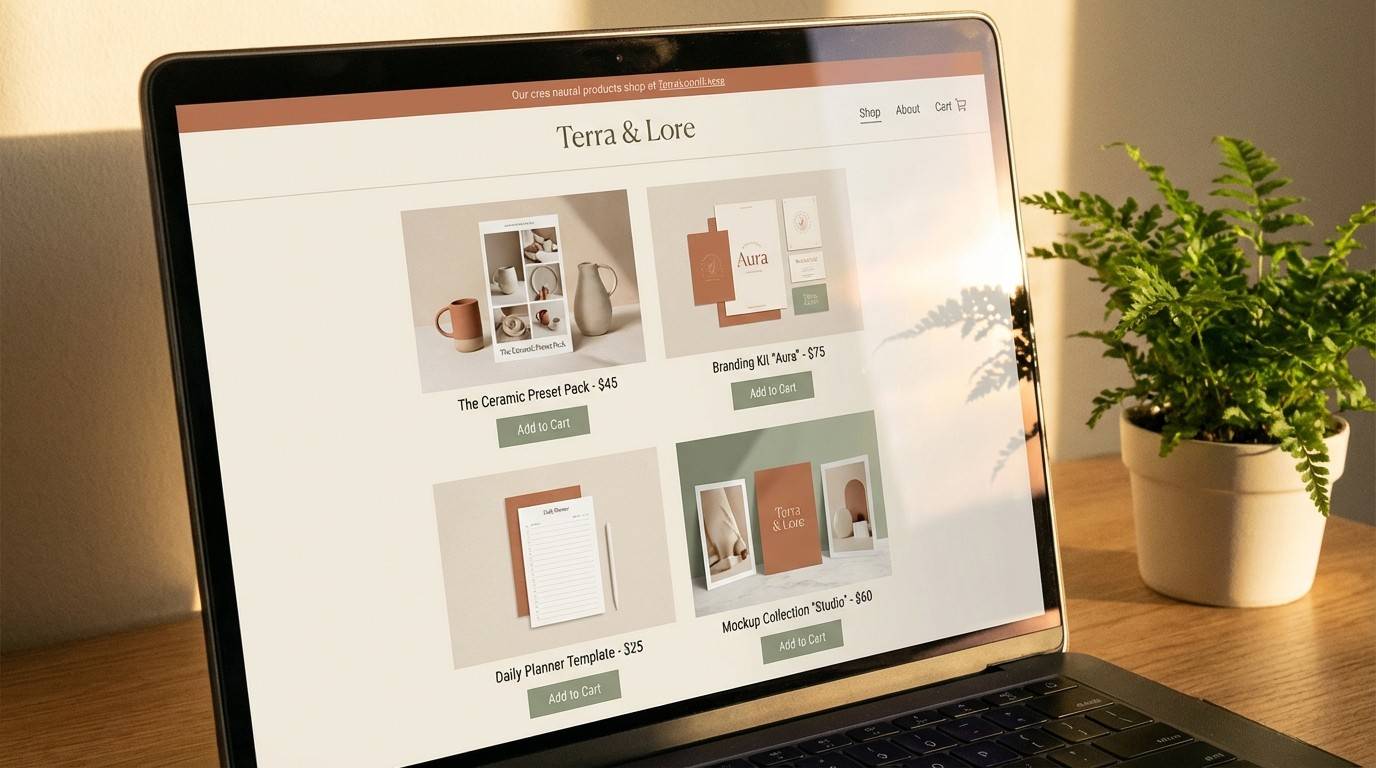
Now let’s talk about the other side.
The pros:
- You own everything. Your brand. Your customer emails. Your data. Your rules. No algorithm can take that away.
- Higher profit margins. No marketplace fees. On most platforms (WordPress + WooCommerce, or Beacons.ai), you pay only payment processing fees (2.9% + $0.30). On a $10 product, you keep $9.40 instead of $6-7.
- No competing products on your page. When a buyer lands on your site, the only products they see are yours. Nobody else is stealing your traffic.
- Email list ownership. Above all, every buyer’s email address belongs to you. That means you can launch new products directly to people who already trust you — for free.
The cons:
- Zero built-in traffic. Nobody is going to stumble onto your website by accident. You need to drive every visitor through SEO, social media, Pinterest, or paid ads.
- Longer setup time. Building a website takes more than 30 minutes. However, tools like WordPress + Elementor, or Beacons.ai, have simplified this dramatically. A basic shop page can be live in a weekend.
- Trust takes longer. A brand-new website doesn’t carry the same instant credibility as an Etsy shop. You need reviews, testimonials, and content to build that trust over time.
Your own website is the long-term play. It takes more effort upfront — but it pays dividends for years.
The Real Cost Comparison (Fees Breakdown)
Let’s make this concrete with actual numbers. Here’s what you keep from a $15 digital product on each platform:
Etsy:
- Listing fee: $0.20
- Transaction fee (6.5%): $0.98
- Payment processing (3% + $0.25): $0.70
- Total fees: ~$1.88
- You keep: $13.12 (87.5%)
Beacons.ai (Creator Pro — what MBB uses):
- Transaction fee (9%): $1.35
- You keep: $13.65 (91%)
Your own website (WordPress + Stripe):
- Payment processing (2.9% + $0.30): $0.74
- You keep: $14.26 (95%)
On the other hand, the gap seems small on one sale. But multiply it across 100 sales per month. On Etsy, you’d pay ~$188 in fees. On your own site, only ~$74. That’s $114 more in your pocket every month — $1,368 per year.
According to Etsy’s official fees page, these rates can change with notice. Etsy increased transaction fees from 5% to 6.5% in 2022 — and sellers had no choice but to absorb the increase.
For a complete breakdown of how to price your products to account for platform fees, our guide on how to price digital products covers the full formula including the cheat sheet.
Fees are invisible until you do the math. Do the math.
The Smart Strategy: Start on Etsy, Scale on Your Own Site
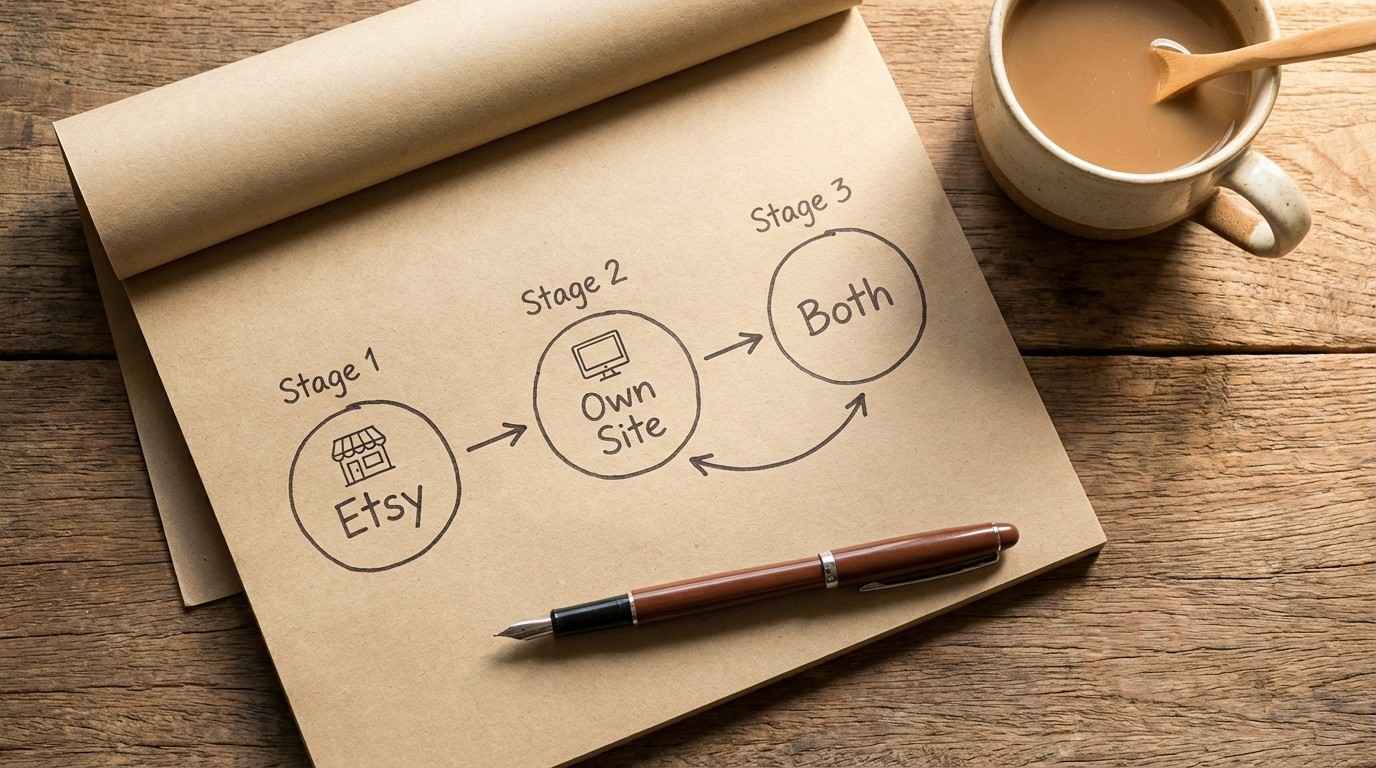
Here’s what the smartest sellers are doing in 2026 — and it’s exactly what I recommend for busy parents.
Phase 1: Start on Etsy (Month 1-3)
- List your first 3-5 products on Etsy. Use the built-in traffic to get your first sales and reviews. This validates your product before you invest in a website.
- Learn what sells. Etsy’s analytics tell you which products get views, favorites, and purchases. That data is gold — it shows you what your audience actually wants.
- Collect social proof. Consequently, every 5-star review on Etsy becomes a testimonial you can use on your own site later.
Phase 2: Build your own site (Month 3-6)
- Set up a simple storefront. WordPress + WooCommerce, or Beacons.ai for a faster option. You don’t need a complex site — just a clean shop page with your products, descriptions, and checkout.
- Start driving traffic. This is where your blog posts, Pinterest pins, and Instagram content pay off. Every piece of content you create becomes a traffic funnel pointing at your own shop.
- Build your email list. Offer a free lead magnet (like our Faceless Marketing Mini Guide) in exchange for email addresses. That list becomes your most valuable asset.
Phase 3: Run both (Month 6+)
Keep your Etsy shop live for discovery. Funnel Etsy buyers to your website through package inserts, thank-you messages, and social media. Interestingly, many successful sellers report that 60-70% of their revenue eventually shifts to their own site — with Etsy serving as a customer acquisition channel rather than the primary store.
For the complete launch strategy — from product creation to platform selection to scaling — the Digital Product Playbook covers the full A-Z, including how to set up both Etsy and your own storefront.
Etsy gets you started. Your own site gets you free. The hybrid gets you both.
Which Platform Fits YOUR Life as a Busy Parent?
Let’s make this simple.
Start with Etsy if:
- You’ve never sold anything online before and want your first sale fast
- You have zero social media following or blog traffic
- You want to validate your product idea before investing in a website
- You have 30 minutes to set up and want to be live tonight
Start with your own website if:
- You already have a blog, social media presence, or email list driving traffic
- You want full control over branding, customer data, and pricing
- You’re building a long-term brand, not just selling one-off products
- You have a weekend to invest in setup
Start with both if:
- You want maximum reach with minimum risk
- You’re willing to manage two platforms (15 minutes each per week after setup)
For most busy parents just starting out, Etsy is the faster path to your first sale. In other words, use it as your training ground while you build your site in the background.
If you haven’t created your first product yet, our step-by-step guide on how to create your first digital product in a weekend walks you through the Saturday-to-Sunday timeline.
And if you want the complete business model — not just where to sell, but how to build a full digital product business with resale rights — the Achieve Financial Freedom with MRR guide covers the long-term scaling strategy.
The best platform is the one where your product goes live this week. Not the one you research for three more months.
Start Selling This Week
Here’s your action plan — 30 minutes total:
- Tonight (15 min): Create an Etsy account. Set up your shop name, profile, and payment method.
- Tomorrow (15 min): List your first digital product. Upload the file, write the description, set the price, and hit publish.
- This weekend: Set up your Beacons.ai storefront or WordPress shop page as your long-term home base.
That’s it. By this time next week, you’ll have a product live on at least one platform. Probably two.
Everything you want exists on the other side of fear.
Want to know exactly how long your $500/month will take?
Our free 30-Minute Side Hustle Starter Pack maps all 4 paths side by side — with realistic timelines, startup costs, and the effort each one needs. Free download, no strings.