
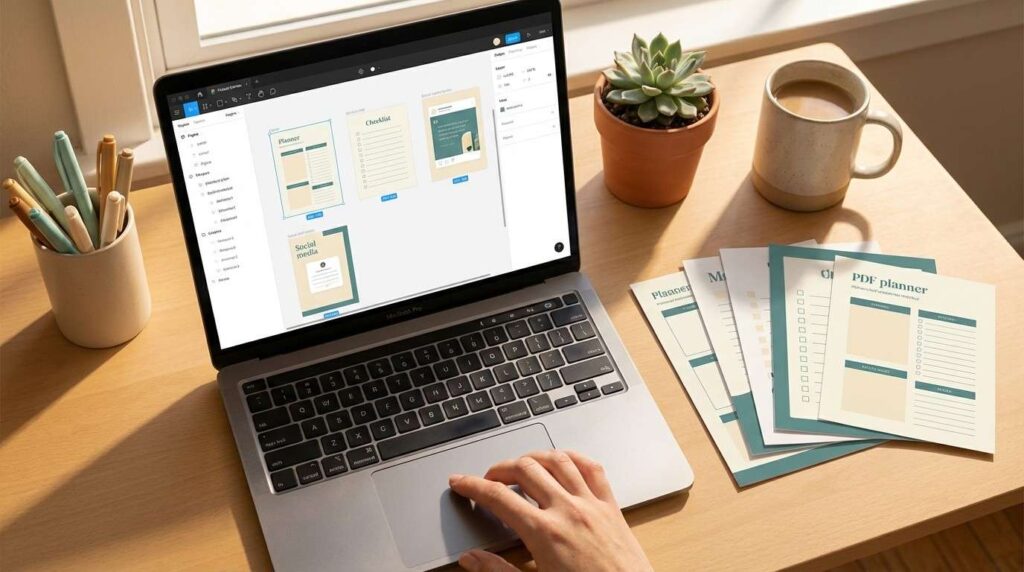
10 Digital Products You Can Make in Canva Today (And Sell by Tonight)
What if the only tool you needed to build a digital product business was already free on your laptop?
No fancy software. Definitely no design degree. And forget about a Photoshop learning curve that takes six months.
The truth is… digital products Canva makes possible are some of the easiest, most profitable things a busy parent can sell online. Planners, templates, guides, checklists — all designed with drag-and-drop simplicity. All exportable as a PDF you can list for sale tonight.
In fact, according to Shopify’s 2026 guide, Canva has over 220 million monthly active users — and a growing number of them are turning their designs into income. Not because they’re professional designers. Because Canva made the design part effortless.
With that in mind, here are 10 products you can build today. Every single one passes the 30-Minute Rule.
Let’s go.
Table of Contents
– Why Canva Is the Best Tool for Digital Products
– 10 Products Canva Makes Ridiculously Easy
– How to Actually Sell Your Canva Products
– One Rule You Need to Know Before You Sell
– Start With One Product Tonight
Why Canva Is the Best Tool for Digital Products
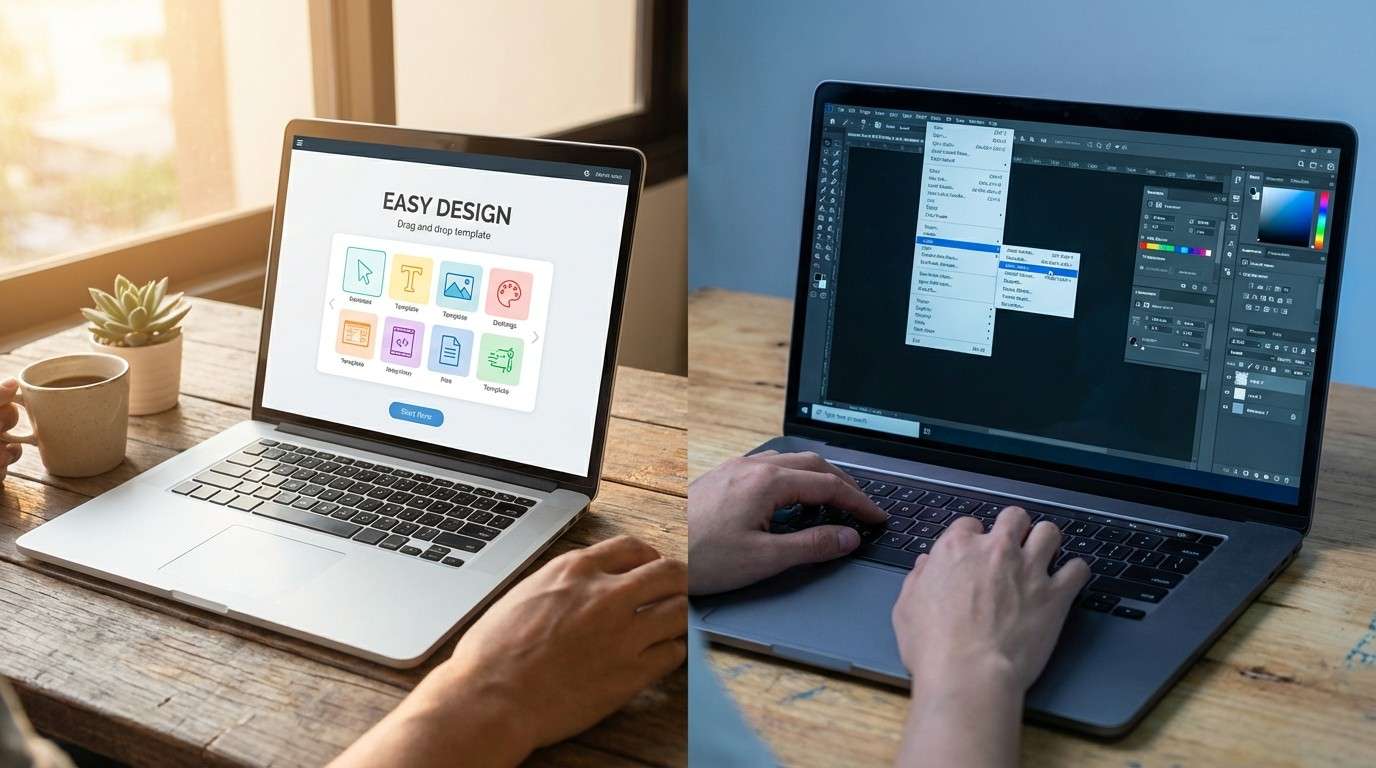
Why not Photoshop? Why not InDesign? Why not any of the “professional” tools?
Because none of them let a complete beginner create a sellable product in 30 minutes. Canva does.
Essentially, Canva removes every technical barrier between your idea and a finished product. Thousands of templates. Millions of stock photos. Built-in brand kits. Export to PDF in one click.
Here’s what makes Canva specifically parent-friendly:
- Free plan does 90% of what you need. You don’t need Pro to start selling. The free plan includes enough templates, fonts, and stock images to build your first 5 products.
- Templates eliminate the “blank page” problem. Instead of starting from scratch, you start from a professional template and customize it. 10 minutes vs 3 hours.
- Works on any device. Design on your laptop during naptime. Edit on your phone while waiting at pickup. Finish on your tablet after bedtime.
- No learning curve. If you can drag and drop, you can use Canva. That’s not an exaggeration — it’s literally that simple.
If you want the complete Canva mastery system — brand kits, batch workflows, template libraries, and the features most beginners don’t know exist — the Canva Playbook covers everything step by step.
Canva doesn’t just make digital products possible. It makes them inevitable.
10 Digital Products Canva Makes Ridiculously Easy
Every product below can be built in Canva’s free plan. Every one takes 30 minutes or less once you have a template. And every one has proven demand — people are buying these right now on Etsy, Gumroad, and Beacons.
Pick the one that matches your skills and interests. Just one.
1. Daily and Weekly Planners
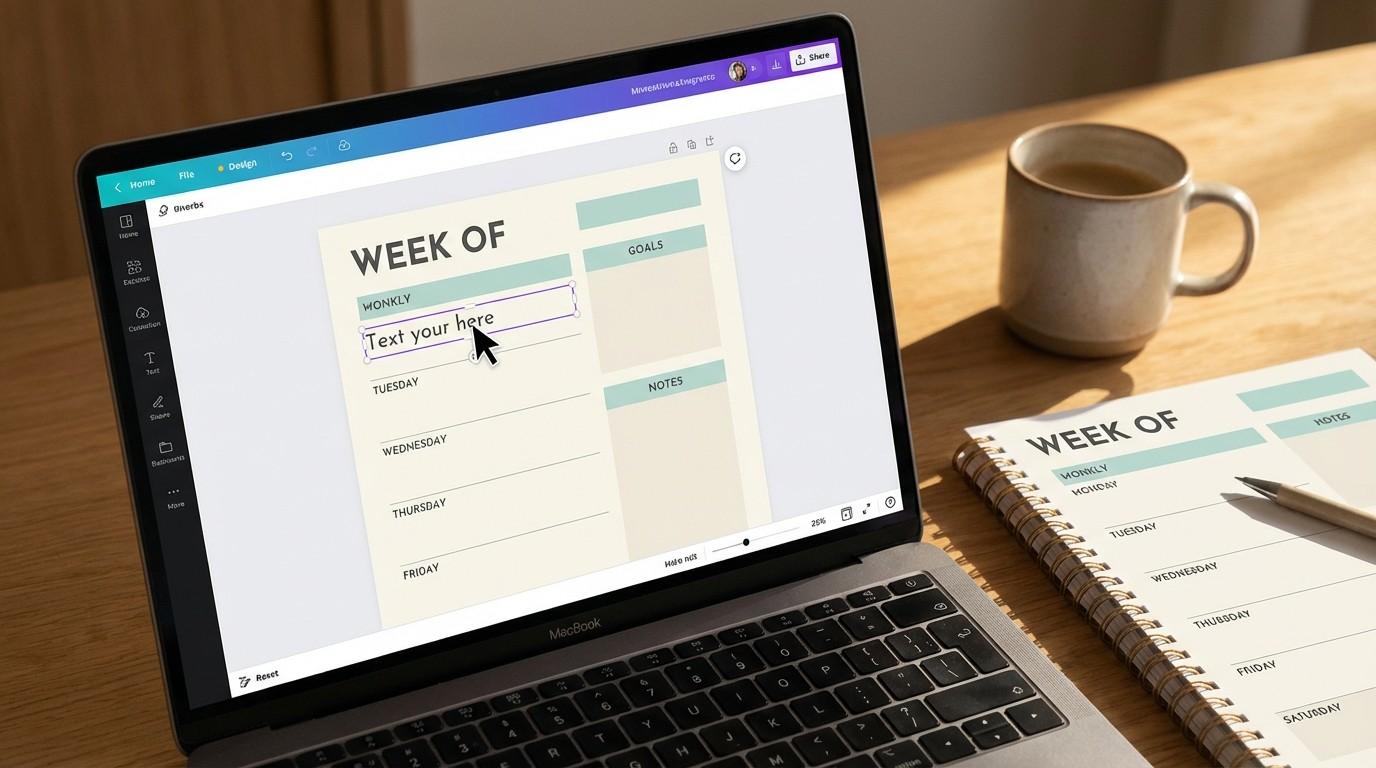
Planners are the #1 selling digital product on Etsy. And they’re one of the simplest things to build in Canva.
Search “planner” in Canva’s template library and you’ll find hundreds of starting points. Customize the colors, fonts, and layout. Add your brand. Export as PDF. Done.
Time to create: 20-30 minutes. Typical price: $5-$12. Best for: Productivity, meal planning, fitness, budgeting niches.
2. Checklists
Moving checklists. Wedding planning checklists. New baby checklists. Back-to-school checklists. People pay real money for organized lists that save them from forgetting things.
Similarly, checklists are the easiest product type in this entire list. One page, clear layout, checkboxes, done.
Time to create: 15 minutes. Typical price: $3-$7. Best for: Parenting, travel, event planning, organization niches.
3. Social Media Templates
Businesses and creators are always looking for plug-and-play templates that make their Instagram, Pinterest, or Facebook posts look professional. You can design a pack of 10-20 templates in Canva and sell them as a bundle.
Time to create: 30-45 minutes for a pack of 10. Typical price: $9-$19 per pack. Best for: Small business owners, coaches, and fellow creators.
4. Mini Guides and E-Books
Short, focused guides on one specific topic. “5 Steps to Organize Your Kitchen.” “The Busy Mom’s Meal Prep System.” “How to Start Budget Tracking in 10 Minutes.”
For example, keep it under 15 pages. People want quick wins, not encyclopedias.
Time to create: 2-3 hours for your first one. Typical price: $7-$17. Best for: Any niche where you know slightly more than your buyer.
5. Workbooks and Journals
Interactive PDFs that people fill in. Goal-setting workbooks, journaling prompt pages, habit trackers, gratitude journals. These feel premium because the buyer uses them actively — not just reads them.
Time to create: 30-45 minutes. Typical price: $7-$15. Best for: Self-improvement, mindset, health, and education niches.
6. Printable Wall Art
Motivational quotes. Nursery art. Seasonal designs. Minimalist typography prints. Surprisingly profitable on Etsy — especially in the nursery and home decor categories.
However, the key is niche specificity. “Motivational wall art” is too broad. “Minimalist nursery wall art in sage and cream” is a product people search for and buy.
Time to create: 10-15 minutes per design. Typical price: $3-$8 per design or $15-$25 for a bundle of 5. Best for: Home decor, nursery, seasonal, and inspiration niches.
7. Resume and CV Templates
Interestingly, job seekers want resumes that stand out. Most don’t know how to format them properly. A clean, modern resume template in Canva solves that problem instantly.
Time to create: 20-30 minutes. Typical price: $7-$15. Best for: Career, job search, and professional development niches.
8. Budget Trackers and Finance Printables
Monthly budget worksheets, expense trackers, savings goal charts, debt payoff planners. Personal finance is one of the highest-demand niches for digital products.
Above all, the simpler the layout, the better. People want clarity, not clutter.
Time to create: 20-30 minutes. Typical price: $5-$12. Best for: Personal finance, budgeting, and family money management niches.
9. Instagram Story Templates
Likewise, packs of pre-designed Instagram Story backgrounds that creators can customize with their own text. “This or That” templates, Q&A templates, poll templates, announcement templates. These sell extremely well because creators use them weekly.
Time to create: 25-30 minutes for a pack of 10. Typical price: $7-$15. Best for: Coaches, influencers, and small business owners.
10. Lead Magnet PDFs
Finally, businesses need free downloadable content to grow their email lists — checklists, mini guides, resource lists, or cheat sheets. Most don’t have the design skills to create them. That’s where your Canva skills come in.
Therefore, you’re not just selling a design. You’re selling a business tool that helps someone else grow. That’s high-value positioning.
Time to create: 20-30 minutes. Typical price: $9-$17. Best for: Coaches, consultants, and service-based businesses.
If you want to go deeper on choosing your product type and building the full business model around it, the Digital Product Playbook covers the complete A-Z — from idea validation to pricing to launch.
10 products. All buildable in Canva. All sellable today. Pick one and start.
How to Actually Sell Your Canva Digital Products
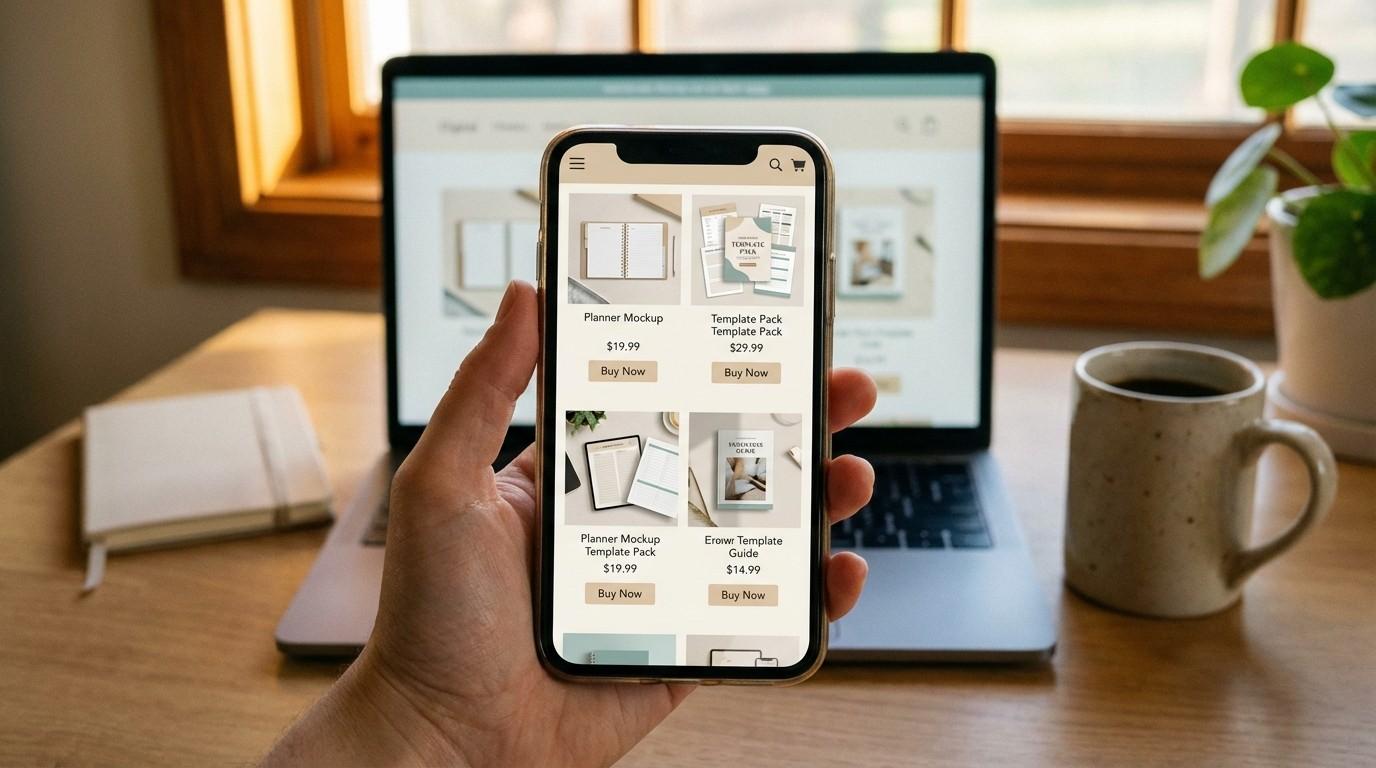
Creating the product is half the equation. The other half is getting it in front of buyers.
Here are the best platforms to sell digital products Canva helps you create:
- Beacons.ai — Simple storefront with instant delivery. This is what we use at MBB. Setup takes 10 minutes. Best for: creators with an Instagram or social media audience.
- Etsy — Built-in audience of millions of buyers already searching for digital products. Higher competition but also higher traffic. Best for: planners, printables, templates, and wall art.
- Gumroad — Minimal and clean. Great for single products and first-time sellers. Free plan available. Best for: guides, ebooks, and workbooks.
- Your own website — On the other hand, if you already have a WordPress site, add WooCommerce or link directly to your Beacons storefront. Long-term, this is where you want all traffic to land.
For your first product, pick ONE platform. Get your first sale there. Then expand.
Our step-by-step guide on how to create your first digital product in a weekend walks through the full Saturday-to-Sunday timeline — from idea to live listing.
The best platform is the one where you actually list your product. Not the one you research for three weeks.
One Important Canva Rule Before You Sell
However, before you list anything, you need to know Canva’s commercial usage terms. This trips up a lot of beginners.
According to Canva’s official usage page, here’s the key rule:
You CAN sell: Original designs you create in Canva — ebooks, planners, guides, workbooks, wall art — as long as the design is your own original work using Canva’s content as part of a larger design.
You CANNOT sell: Standalone Canva content. That means you can’t download a stock photo from Canva and resell it as-is. Similarly, you can’t take a pre-made Canva template, change the colors, and sell it as your own template.
The simple version: If you designed it, you can sell it. If you just reskinned someone else’s template, you can’t.
As a result, always create original designs. Use Canva’s elements and stock photos as ingredients — but the final dish needs to be yours.
Know the rules. Follow the rules. Then sell with confidence.
Start With One Product Tonight
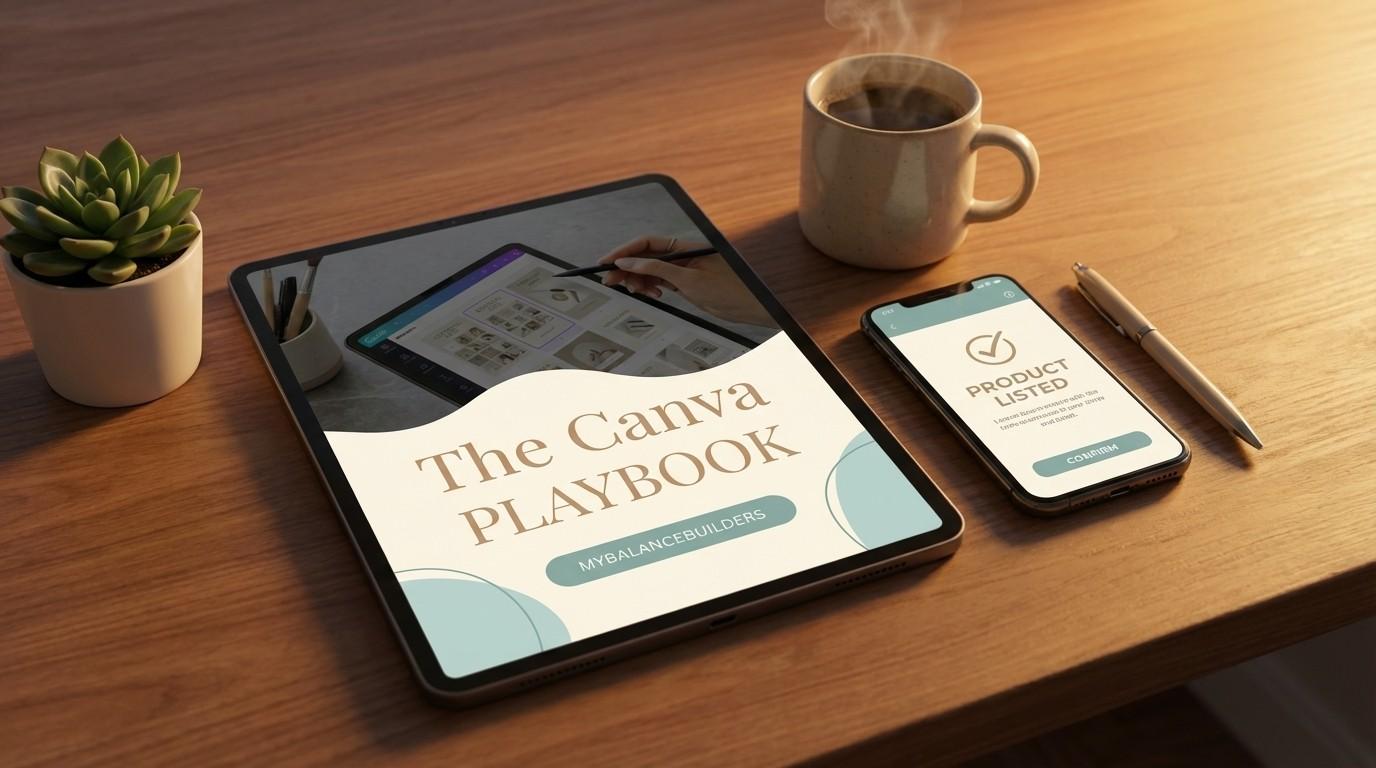
You’ve just seen 10 different products you can build in Canva. Every one is beginner-friendly. They all have proven demand. And each fits into 30 minutes of free time.
Here’s your action plan for tonight:
- Pick one product from the list above. Don’t agonize. Go with the one that felt most natural when you read it.
- Open Canva and search for that product type in the template library. Pick a template that’s close to what you want.
- Customize it — change the colors to your brand, replace the text with your content, add your logo. 30 minutes.
- Export as PDF. Click Share → Download → PDF Standard. Done.
As a result, by tomorrow morning, you’ll have a finished product sitting on your desktop. That’s closer than 99% of people who “want to sell digital products” ever get.
If you want the complete system for mastering Canva — batch creation, brand kits, advanced features, and the workflows that turn 30 minutes into 5+ products per week — the Canva Playbook has it all.
And for promoting your products without showing your face, our faceless marketing tools guide covers every free tool you need.
Everything you want exists on the other side of fear.
Want to learn how to promote your products without being on camera?
Our Faceless Marketing Mini Guide shows you exactly how — free download, no strings.