
Want to know why some digital product covers make hearts skip a beat—while others disappear into the scroll?
Your cover isn’t decoration. It’s your first salesperson. And if it’s not doing its job, your product doesn’t get a second chance.
What’s Inside This Guide:
- Why your cover is your silent sales machine (and you don’t need a face)
- The Canva truth that crushes the “I’m not a designer” myth
- The 10-minute cover template framework — your step-by-step blueprint
- The three cover elements that actually convert clicks into sales
- Design once, sell twice — the scaling secret busy parents swear by
Why Your Cover Is Your Silent Sales Machine (And You Don't Need a Face)
You’re a busy parent.
You don’t have time to sit in front of a camera. You don’t have a studio. You don’t have a ring light that costs more than your grocery budget.
And here’s the thing — you don’t need any of that.
When you design digital product covers in Canva, your cover does the selling for you. It works while you’re reading bedtime stories. It works during soccer practice. It works at 2am when you’re fast asleep.
Therefore, the cover isn’t just a pretty image. It’s the first impression that creates the click. And the second impression that creates the sale.
Faceless digital products scale because the cover carries the weight — not a person. The right cover communicates value, trust, and professionalism in under three seconds. That’s the only window you get in a crowded feed.
Your cover isn’t an afterthought. It’s your most important marketing asset.
The Canva Truth That Crushes the "I'm Not a Designer" Myth
Sound familiar? You open a blank design tool, stare at the white screen, and immediately feel like you need a graphic design degree to make anything that doesn’t look like a school project.
However, that feeling is a lie. And Canva is the proof.
Canva has over 250,000 free templates already designed by professionals. You’re not starting from scratch. You’re starting from finished. You’re just swapping words, colors, and images to make it yours.
That’s canva cover design for beginners in its truest form — no Photoshop, no fancy font subscriptions, no years of practice. Just smart customization.
The time myth is real. People think cover design takes hours. The truth is, with the right template, you’re looking at 10 minutes. Maybe 15 if you’re choosing between two font options.
If you’re just getting comfortable with the platform, the Canva for Beginners guide on MBB is the perfect place to start before you touch a single template.
The fastest path to a professional-looking cover isn’t talent — it’s knowing which template to start with.
The 10-Minute Cover Template Framework to Design Digital Product Covers in Canva
Here’s how a real naptime session looks when you know the system.
You’ve got the baby down. You’ve got your coffee. You’ve got 30 minutes max. Let’s go.
Step 1: Pick a template that matches your market’s taste — not yours. (2 minutes)
Open Canva. Search for “ebook cover,” “digital product cover,” or your niche keyword. Browse templates until you find one that feels like something your ideal buyer would stop scrolling for. Not what you love. What they love. This distinction changes everything.
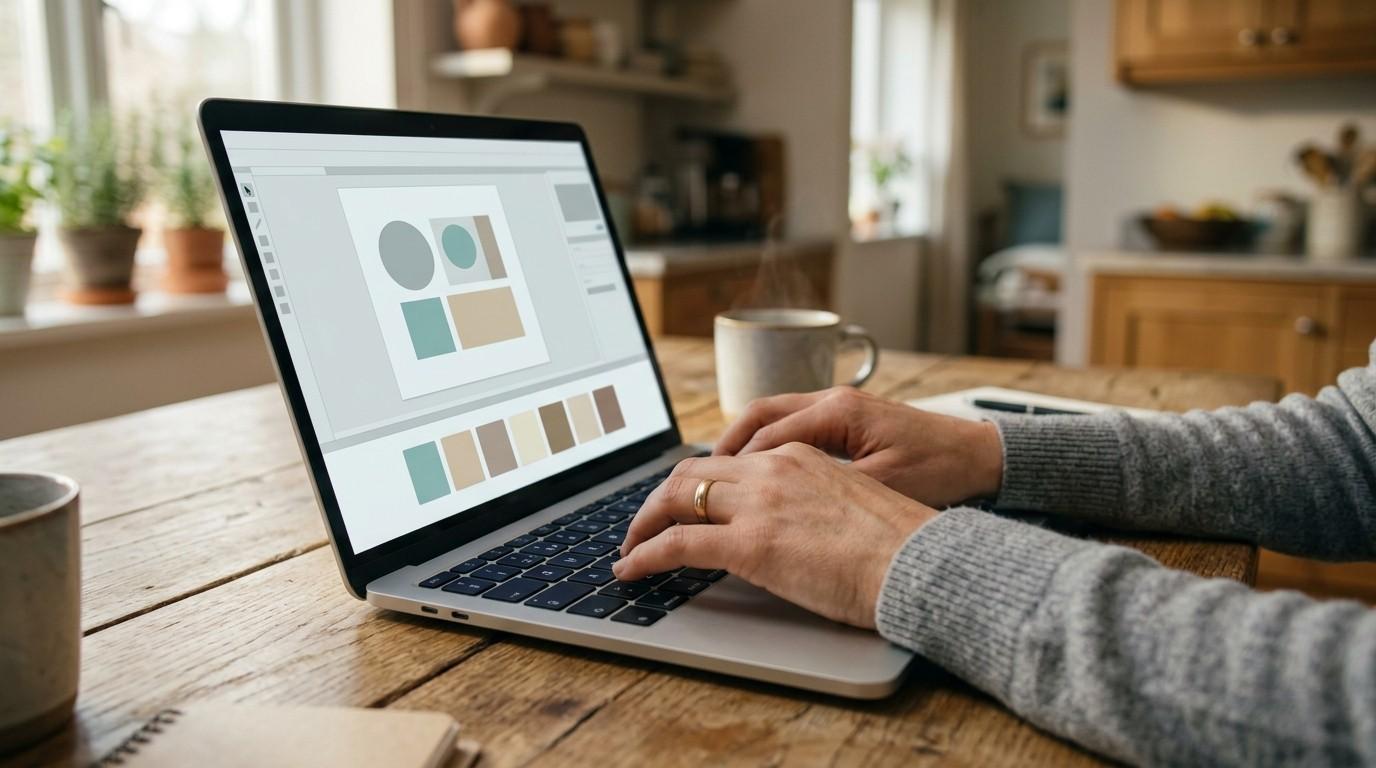
Step 2: Change the color palette to your brand. (3 minutes)
Pick three colors max. One dominant, one accent, one neutral. Use Canva’s color picker to swap out the template colors. Not sure what your brand colors are yet? Check your brand aesthetic inspiration process — pulling from Pinterest and screenshots of accounts you admire is a real strategy, not just “vibing.”
Step 3: Rewrite the headline in power words. (2 minutes)
The headline on your canva ebook cover template isn’t a title. It’s a promise. Lead with curiosity, transformation, or a specific result. “The 5-Minute Morning Routine for Moms” beats “Morning Routine Guide” every single time.
Step 4: Swap the secondary graphic from Canva’s stock library. (2 minutes)
Canva has access to over 1 million free photos and graphics. Find one that fits your niche and replace the placeholder image. The Magic Recommendations feature inside Canva will suggest similar elements once you click on any graphic — use it.
Step 5: Export as PNG and upload to your platform. (1 minute)
Done. That’s your product cover. That’s the system.
Imagine this: You’re a mom of two in the bedtime window. You downloaded a canva ebook cover template, swapped the fonts to match your aesthetic, changed the headline to speak directly to new moms, and exported. Total time? 11 minutes. That cover is now live on a product page generating sales while she sleeps. That’s not a fantasy. That’s the system working.
Ten minutes of focused action beats two weeks of overthinking. Every time.
The Three Cover Elements That Actually Convert Clicks
Not all design choices are equal. Similarly, not all covers are built the same — even when they use the same template.
Here’s what actually moves the needle:
1. Color psychology matters more than aesthetics.
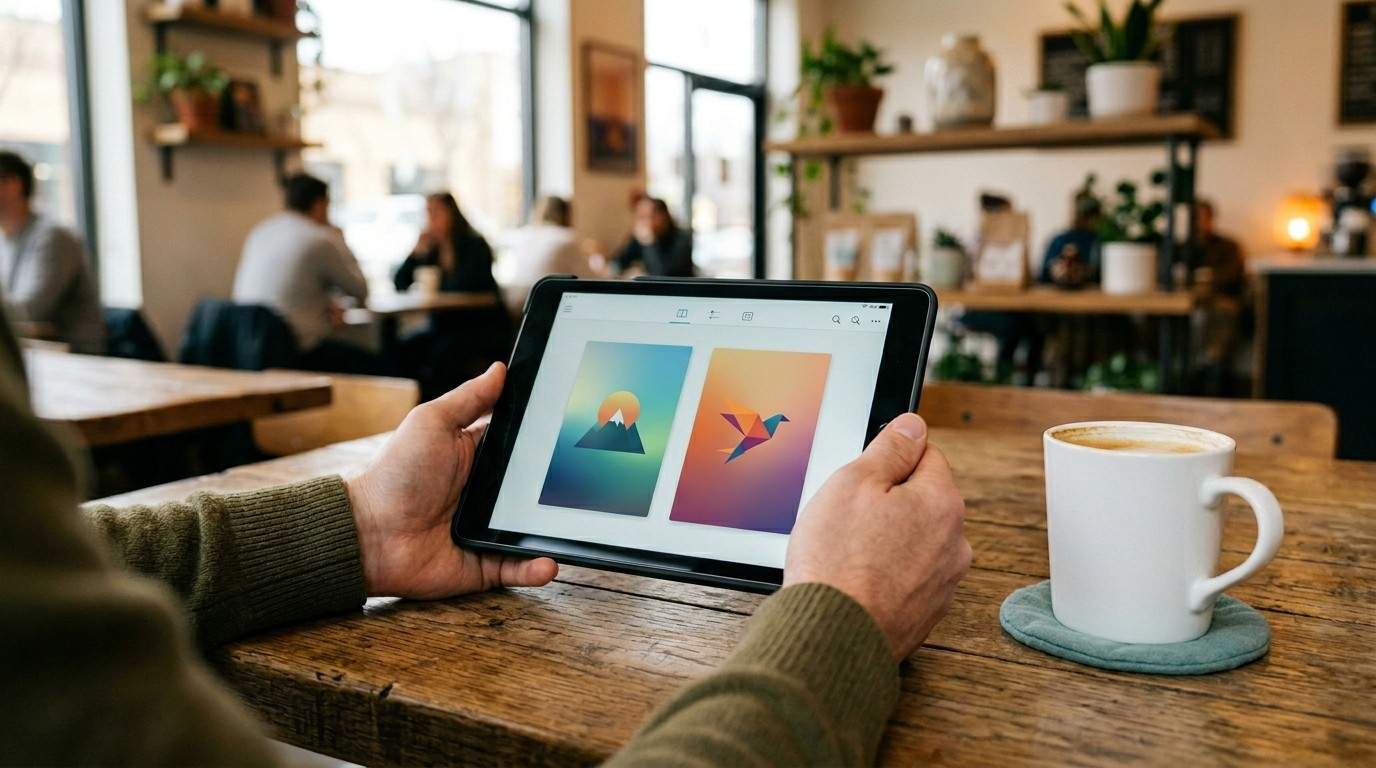
Bold, high-contrast colors stop the scroll. Think deep teal, burnt orange, cobalt blue, or rich burgundy. According to research from the Nielsen Norman Group, users form visual impressions in under 50 milliseconds — meaning your color choice is doing work before your potential buyer even reads a word. Beige and muted palettes can be beautiful in a lifestyle brand. In a crowded digital marketplace? They disappear.
2. Readable fonts at thumbnail size.
Before you finalize any digital product mockup in Canva, zoom out. Make your design tiny — the size it’ll appear in a search result or shop grid. Can you still read the headline? If not, your font is too decorative or too small. Stick to two fonts max: one for the headline, one for the subtext.
3. A scannable headline that leads with your biggest promise.
Don’t open with a question. Don’t open with your name. Open with the result your buyer wants. “Lose the Mom Guilt, Keep the Business” sells. “Welcome to My World” does not.
The best covers aren’t the most beautiful ones — they’re the most clear ones.
Design Once, Sell Twice (The Scaling Secret)
Here’s where it gets exciting for anyone building a digital product business.
Therefore, the real advantage of Canva isn’t just making one great cover. It’s building a system that makes every cover after it take five minutes instead of ten.
Once you nail your first cover — fonts, colors, layout — save it as your personal base template. Duplicate it for every new product. Your brand stays consistent. Your design time drops to almost nothing. And your product library grows faster than you thought possible.
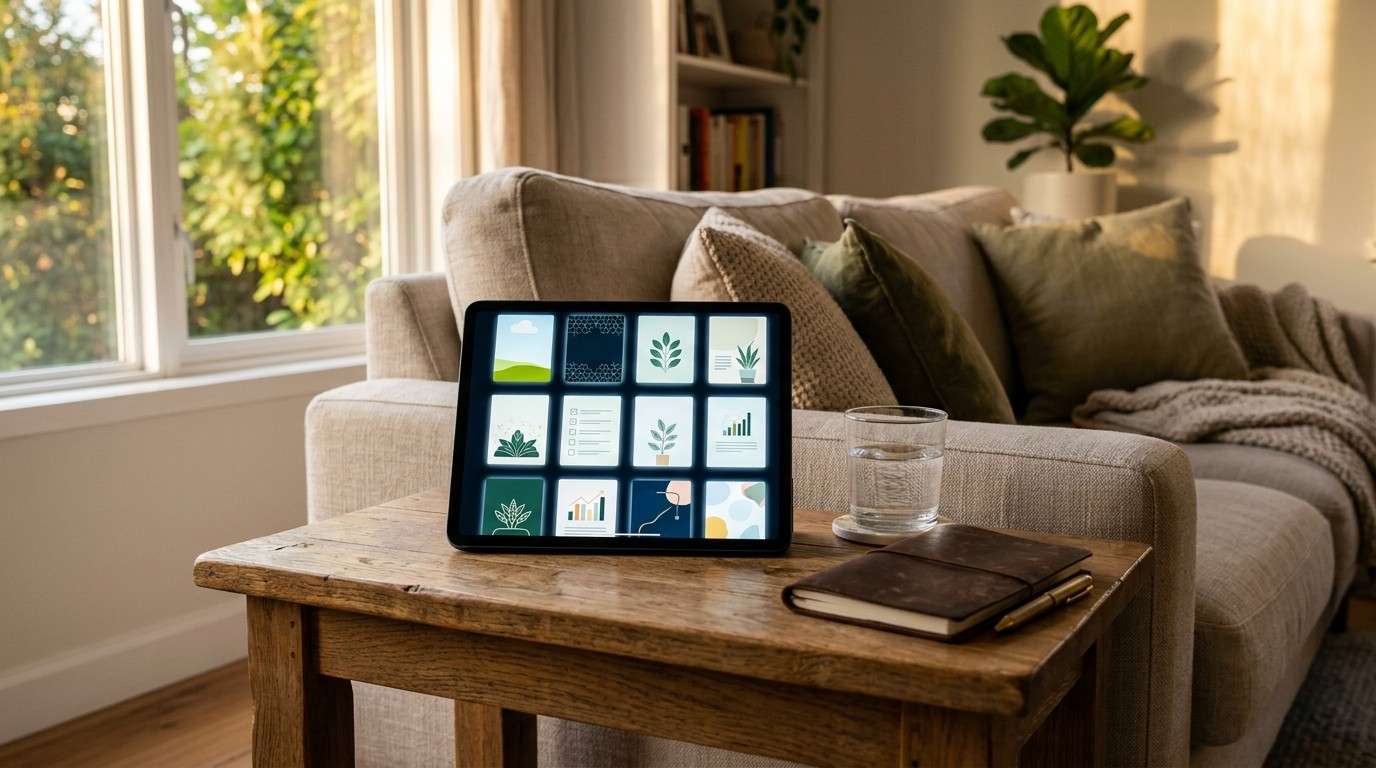
This is exactly how a digital product mockup in Canva becomes a scalable asset, not just a one-off task.
You can also test multiple cover versions quickly — change the headline on one, the color on another, and see which gets more clicks. Fast data always beats waiting for the perfect design.
The truth is, most people quit before they build the template library. The ones who don’t? They’re uploading three new products a month while working 30 minutes a day.
According to Canva’s own platform data, the free account alone gives you access to over 100 design types and 1 million+ free graphics — more than enough to build a professional product suite without spending a cent on design tools.
Build the template once. Let it compound.
Stop Second-Guessing Your Covers — Get The Canva Playbook
You’ve got the framework now. But if you want to move faster, make fewer mistakes, and actually understand what you’re doing inside Canva — not just copy steps — there’s a shortcut.
The Canva Playbook is a comprehensive guide that walks you through the entire Canva interface — from loading your first template and working with text and color, to pro-level tips like creating transparent gradient effects and using the “Tidy Up” feature for pixel-perfect alignment.
It includes a Free vs Pro comparison so you know exactly what you get without spending money, plus a Mac keyboard shortcuts reference that cuts your design time in half. Whether you’re creating a canva ebook cover template, an ebook, or a social media graphic — this playbook gives you the skills to design almost anything.
No design experience required. No overwhelm. Just clear, step-by-step guidance you can act on during a single naptime.
Everything you want exists on the other side of that blank Canva page. The Playbook shows you what to do once you open it.