Why are most side hustlers stuck with Canva Free when the upgrade could pay for itself in a single sale?
If you’re building digital products in 30 minutes a day, every minute counts. And the wrong tool decision is quietly costing you time, sales, and authority.
What’s Inside This Guide:
- When Canva Free is honestly enough — and when it’s silently killing your sales
- The exact Pro features that drive real revenue for digital product creators
- The myth holding you back from scaling your side hustle faster
- Your 30-minute decision framework (with a checklist you can screenshot)
- Real side hustle products where Pro pays for itself — fast
- The hidden time cost of staying free (the math will surprise you)
When Canva Free Is Honestly Enough (+ Your Real Time Investment)
Let me be real with you.
Canva Free isn’t bad. It’s actually impressive for what it is.
Social media graphics? Fine. Quick lead magnet headers? Totally doable. A fast mockup for your first product idea? You can make it work.
Instead, the problem shows up the moment you try to sell something.
Free users hit a wall fast. You’ve got access to over 250,000 free templates and 1 million+ free photos and graphics — which sounds huge until you realize every other free user is pulling from the exact same library.
Your mockup looks like their mockup. Your template looks like their template.
And here’s the kicker: no brand kit. No premium stock photos. No watermark-free video exports. Every design takes you 2-3x longer because you’re hunting for workarounds instead of just designing.
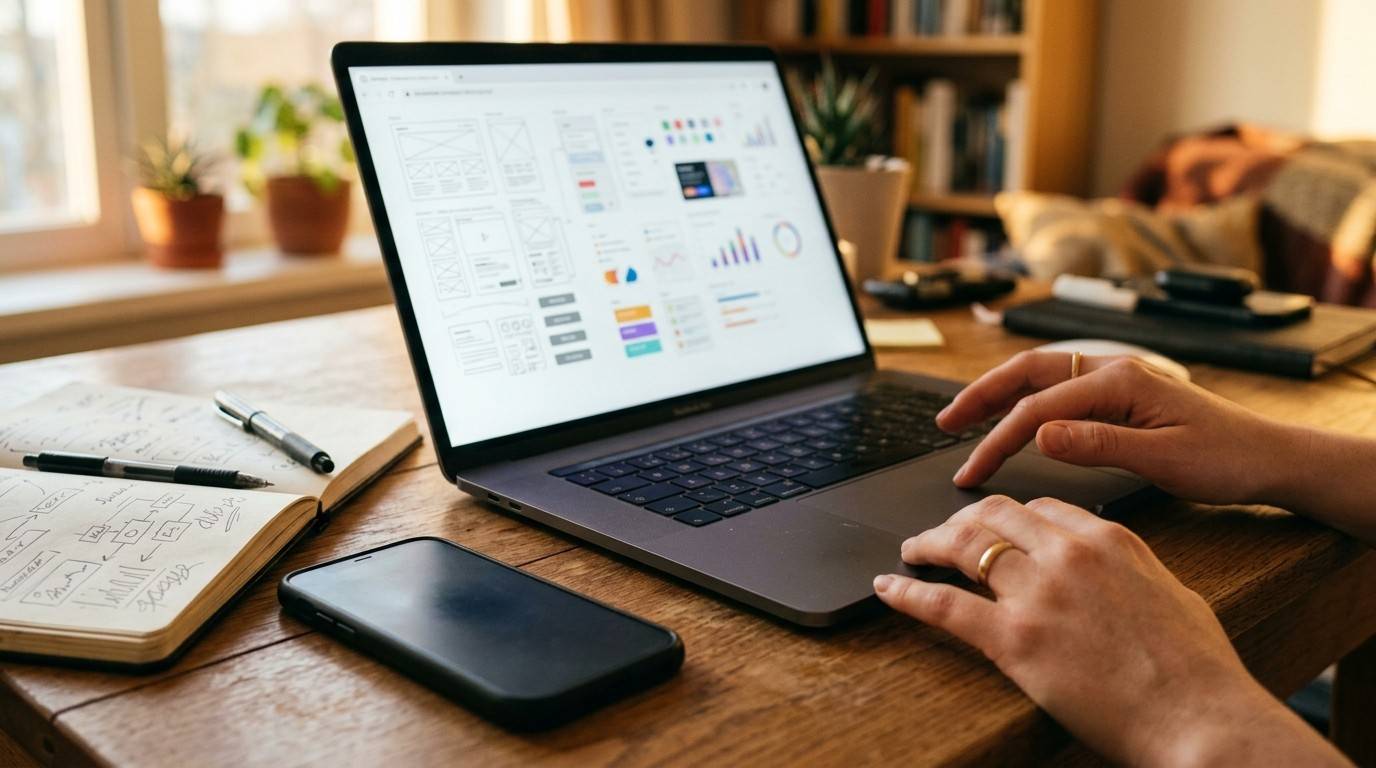
The 30-Minute Rule is non-negotiable here at MBB — can a busy parent create and export a sales-worthy product mockup in 30 minutes using Canva Free?
Rarely.
The truth is, staying free isn’t saving you money. It’s costing you time you don’t have.
The Canva Pro Features That Actually Drive Revenue for Side Hustlers
However, this isn’t about features for the sake of features.
This is about which Pro tools directly connect to revenue.
Magic Edit and the full Magic Studio suite (20+ AI-powered tools) saves you 15–20 minutes per design. That’s not a small number when you’re working naptime windows. If you want to see how these tools slot into a real design workflow, The Canva Playbook breaks it down step by step.
Brand Kit locks your fonts, colors, and logo in one place. No more re-uploading your brand colors from scratch every single session. No more inconsistent mockups that quietly kill your professionalism and your prices.
Unlimited premium stock photos, videos, and graphics — we’re talking 100+ million assets on the Pro plan vs. the 1 million on Free. That gap shows in your designs. And it shows in what customers are willing to pay.
Magic Switch (the resize feature) is where things get really interesting. You design once — say, an 8.5×11 guide cover — hit resize, and it becomes a Pinterest graphic, an Instagram post, and an email header. All in under 5 minutes.
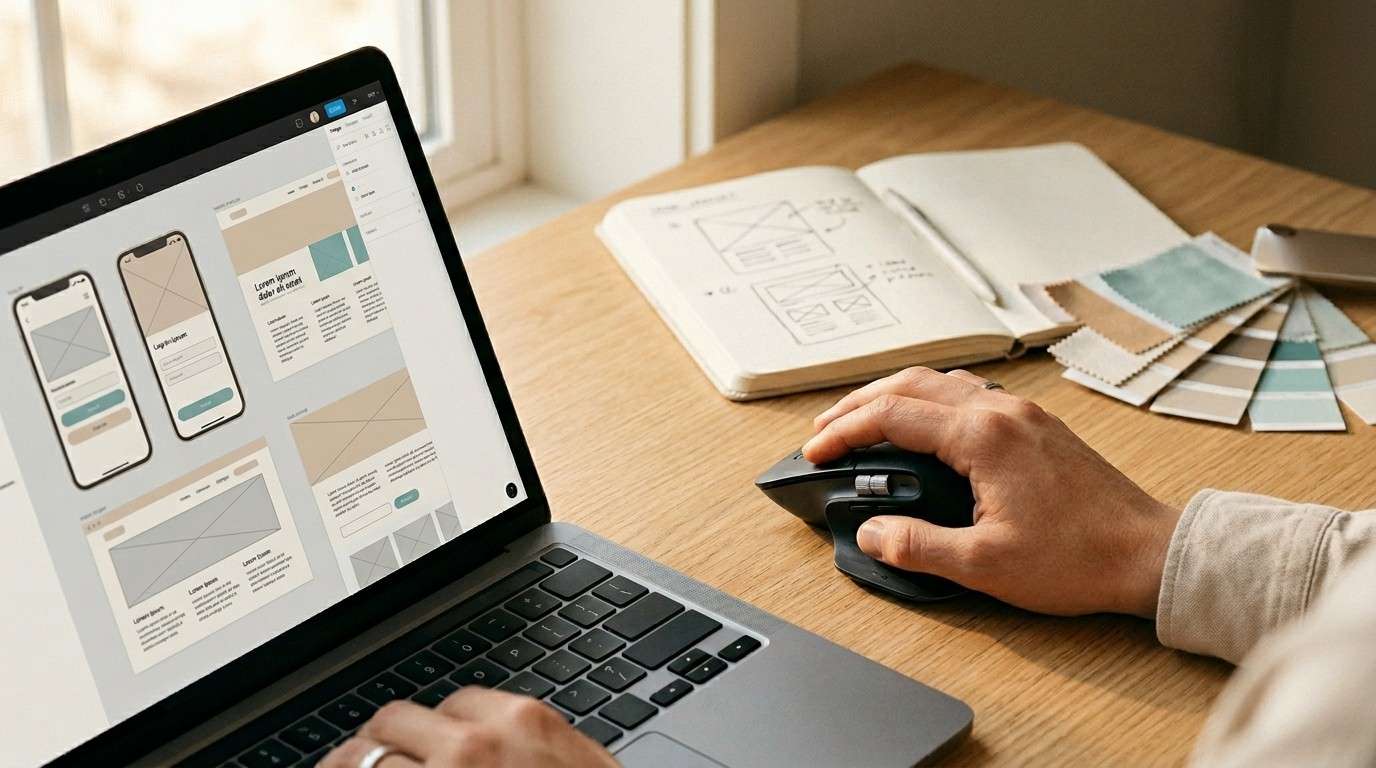
For anyone selling PLR packs, done-for-you templates, or digital bundles, this feature alone is worth the upgrade.
Watermark-free video exports. Because your digital products shouldn’t scream “I made this with a free tool.”
The best part? Pro gives you access to scheduling across 8 platforms directly from Canva. Design it. Schedule it. Done — all in your 30-minute window.
You’re not just designing faster. You’re building a system that runs while you’re doing literally anything else.
The Myth That's Costing You Money: "Canva Pro Turns You Into a Designer"
Similarly, this is the objection I hear constantly.
“But Robert, I’ll still look like an amateur.”
Sound familiar?
Here’s the thing. Your customer doesn’t care about design theory. They care about clarity and trust. They want to know: will this template/guide/bundle solve my problem?
Pro doesn’t make you a designer. It makes your systems work faster.
The truth is, the ROI on Pro isn’t in design quality alone — it’s in speed. Faster templates mean faster launches. Faster launches mean faster sales. Faster sales mean faster scaling.
When you’re selling PLR bundles or done-for-you social graphics, Pro changes your production power and your margins — not just how pretty your designs look.
And look — your customers will think you hired a graphic designer.
You’ll know it was just Pro and 30 minutes on a Tuesday morning.
That’s the play.
Your 30-Minute Decision Checklist: Should YOU Buy Canva Pro?
Therefore, stop guessing. Run through this. Be honest.
- Do you create more than 4 graphics or mockups per week? YES = Pro pays for itself in time savings alone.
- Are you selling digital products — templates, guides, mockups, PLR? YES = Pro is non-negotiable.
- Do you spend more than 15 minutes per design hunting for free alternatives? YES = Pro saves you time and money every single week.
- Is brand consistency important to your authority and pricing power? YES = Brand Kit alone makes Pro a no-brainer.
The framework: If 2 or more of these are TRUE for you, your first month of Pro revenue will exceed the $120/year cost.
That’s $10/month. Less than two iced coffees.
If you’re building an online income — even in 30-minute windows — the question isn’t “can I afford Pro?”
It’s “can I afford to keep wasting time without it?”
When Pro Pays for Itself (Real Side Hustle Products That Prove It)
For example, let’s make this concrete.
Imagine this: You’re selling Notion template bundles with custom Canva cover designs. With Pro, you design 3 polished mockups in about 45 minutes. Without Pro? That same job takes closer to 3 hours of hunting, adjusting, and making do with what’s available.
You sell those templates at $27 each. That’s $81 in potential revenue. Pro costs $10/month. You’ve covered it more than 8x over on one small product launch.
PLR design bundles are another win. Magic Switch lets you create 10 size variations from one single design. On Free, you’d rebuild each version from scratch. That’s the difference between launching a bundle this week or next month.
Done-for-you social graphics for coaches and consultants? Watermark-free exports plus Brand Kit means you can confidently charge 2–3x more than competitors still using free tools. Your output looks custom. Because it is custom — just systemized.
Email lead magnet suites are where the batch resize feature shines brightest. One design becomes your Instagram graphic, your Pinterest pin, your email header, and your blog post cover. On Free, you’re picking one and leaving traffic on the table.
The pattern here is simple. Pro compresses your production time — and in a 30-minute-a-day business, that compression is everything.
For more on turning these product types into real income, check out our deep dive on creating your first digital product and the breakdown of how to price digital products so you’re not underselling from day one.
The Hidden Time Cost of Staying Free (Why It's Actually More Expensive)
In other words, free isn’t free.
The average Free user spends 45 minutes on designs that a Pro user finishes in 15. Do your own honest time audit. You’ll see it.
Staying free forces you to export lower-quality graphics. Lower quality erodes customer trust. Eroded trust kills repeat purchases and tanks your reviews.
No access to premium stock photos means your designs blend into the crowd. Less perceived value means lower prices. Lower prices mean you need to sell more just to break even.
No brand kit means you’re manually recreating your logo, fonts, and color codes in every single design session. It sounds small. It adds up to hours every month.
Here’s the real math:
3 hours per week lost to Free workarounds = 156 hours per year of your most limited resource.
Even at a conservative $10/hour opportunity cost, that’s $1,560 in lost productive time per year.
Canva Pro costs $120/year.
The truth is, “staying free to save money” is one of the most expensive decisions a side hustler can make.
According to Forbes, time is the single biggest barrier for parents building a side hustle — and anything that compresses your production time is a direct investment in your income ceiling.
Free costs you time. Pro buys it back.

Ready to Scale Your Side Hustle With Canva Pro?
Here’s exactly what to do next.
Start with the checklist above. If 2+ answers are YES, you’re ready to upgrade. No shame in waiting if you’re not there yet — but don’t wait so long that you’re losing hours you’ll never get back.
Your first three Pro designs? Make them count.
- Build your Brand Kit — fonts, colors, logo, locked in forever.
- Create your flagship product mockup using premium stock photos.
- Use Magic Switch to resize it into every format you need.
That’s your first $100 sale waiting to happen.
And if you’re ready to go deeper — to understand exactly which Pro features unlock which revenue streams, how to navigate the full Canva interface with confidence, and how to use the tools that save you the most time as a digital product creator — The Canva Playbook was built for exactly this moment.
It covers everything from setting up your workspace and loading purchased templates to advanced Tips & Tricks like creating transparent gradient text effects and using AI-powered tools — all without needing a design background. Step-by-step. Beginner-friendly. Built for 30-minute windows.
You’ve already got the time. Now get the tools.
Everything you want exists on the other side of fear — and $10/month is a pretty small door to walk through.